You lean in for a video call and there it is. A fingerprint smudge sitting right in the middle of your black background, catching the light every time you move. You grab the nearest cloth, maybe the one you use on your glasses, and you’re one wipe away from a problem you can’t undo.
OLED screens are not forgiving. The coating that gives you deep blacks and sharp contrast is also thin and easy to scratch. Clean it the wrong way once and you can leave a mark that never comes out.
This guide walks through how to clean OLED monitor, exactly what to use, what to avoid, and why the advice changes depending on which type of OLED monitor sits on your desk.
Why OLED Monitors Need a Different Cleaning Approach
A regular LCD monitor has a backlight sitting behind a layer of liquid crystal. OLED works differently. Each pixel makes its own light, and there’s no backlight layer to protect the surface.
That means the outer coating on an OLED panel is doing more work. It manages glare, protects the pixels, and keeps colors accurate. Most OLED monitors also carry an anti-reflective or anti-glare film on top of that.
Strip or scratch that film, and you don’t just lose shine. You get patchy reflections, dull spots, and color that looks off in exactly the area you damaged. This is why the wrong spray bottle causes more damage on an OLED screen than it would on a basic office monitor.
What the Manufacturers Actually Say
Before setting up a cleaning routine, it helps to know that even the companies making these panels don’t fully agree with each other.
ASUS and MSI: Dry Cloth First, Minimal Moisture
ASUS tells owners to power down the monitor, let it cool, then use a dry microfiber cloth for dust and light smudges. Their guidance is firm on one point: avoid abrasive cleaners, ammonia-based products, acetone, solvents, and window cleaners, since these can damage the screen’s protective coating and leave marks that are hard to remove.
MSI follows a similar path. Their process is unplug the monitor, wipe with a soft microfiber cloth, let any moisture dry completely, and never use unapproved cleaners or solvents on the panel.
Samsung: Two Different Answers for the Same Screen
This is where it gets messy. Samsung Display’s own blog once recommended a diluted ethanol solution for cleaning QD-OLED panels. Samsung’s official support community gave the opposite answer to a customer asking about that exact conflict, recommending only a microfiber cloth with plain water and steering people away from ethanol, soap, or any solvent because of the risk to the anti-glare layer and color coating.
Two teams at the same company, two different answers. That tells you something useful: when in doubt, the safer route (water only) beats the riskier one (any kind of alcohol), even if a manufacturer’s marketing content says otherwise somewhere.
Independent Testing: Keep It Simple
RTINGS, which has bought and tested over 400 monitors, lands on the simplest possible answer: skip the cleaning solution entirely for most routine cleaning. Dust and light smudges rarely need anything beyond a dry or barely damp microfiber cloth.
That lines up with what shows up across nearly every brand’s own instructions once you strip out the marketing language. Dry cloth first. Water only if needed. Nothing else unless the manufacturer says otherwise for your specific model.
How to Clean OLED Monitor Step by Step
Standard OLED panels, the kind used in most LG-made displays found in ASUS, Dell, Alienware, and LG monitors, follow this process.
- Turn off and unplug the monitor. A powered-off screen shows smudges and dust more clearly, and it removes any risk of a short from stray moisture.
- Let the screen cool for a few minutes. A warm panel is more sensitive to pressure and heat from friction.
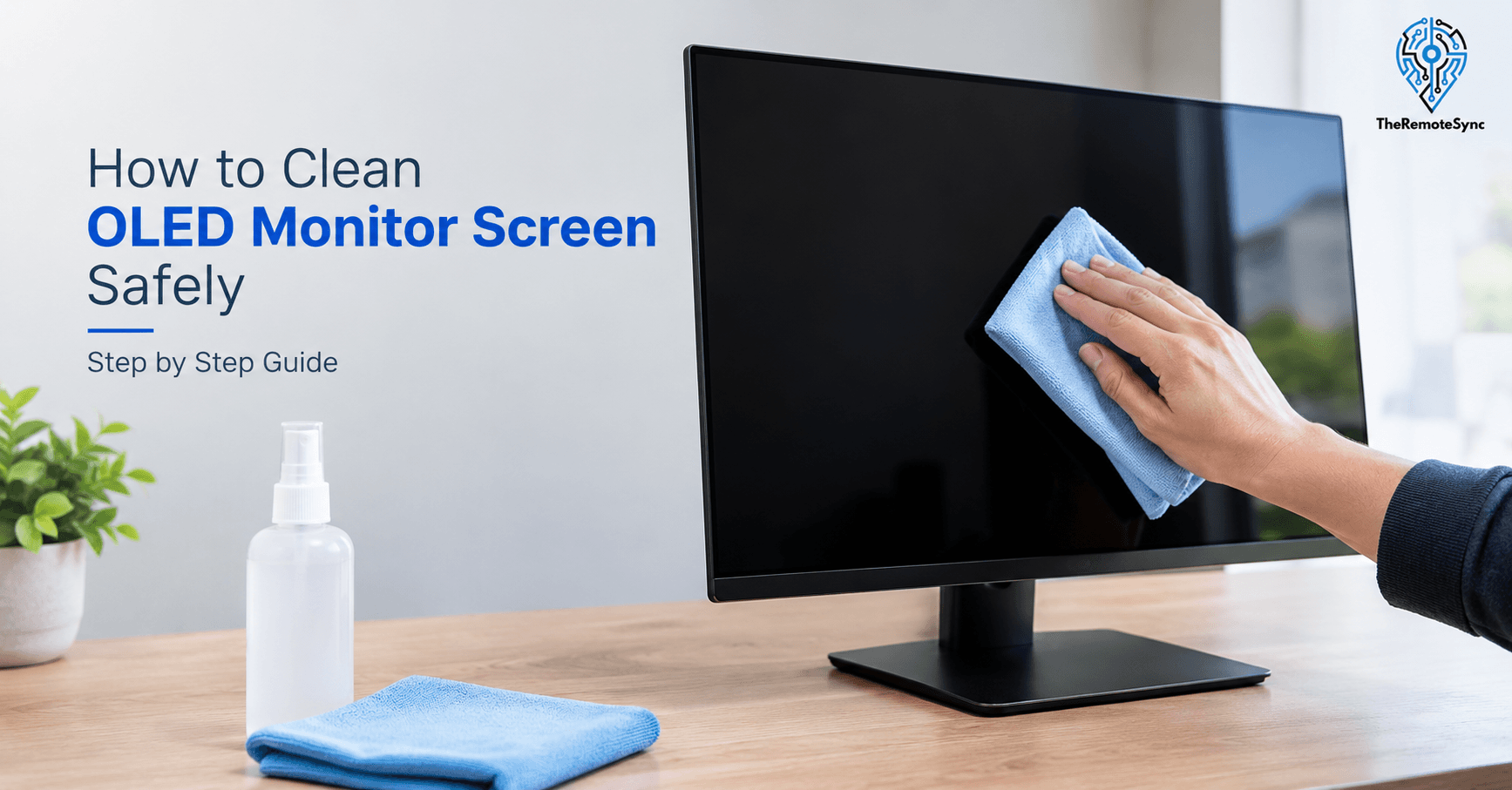
- Wipe with a dry microfiber cloth first. Use light, straight strokes in one direction instead of circles. This lifts dust without grinding it into the coating.
- Dampen the cloth slightly for fingerprints or oil. Use distilled water, not tap water. Tap water carries minerals that dry into a faint chalky film.
- Never spray liquid directly on the screen. Spray the cloth instead. Liquid that reaches the bezel can seep in and reach internal components.
- Dry the screen with a second clean, dry cloth. Let it air dry fully before turning the monitor back on.
How to Clean a QD-OLED Monitor Screen the Right Way
QD-OLED panels, used in newer Samsung, Alienware, and some MSI and ASUS models, add a quantum dot color layer on top of the standard OLED structure. That extra layer is part of what makes QD-OLED colors so vivid, and it’s also part of why it needs more caution, not less.
Given the conflicting official guidance covered above, the safest approach is to treat QD-OLED as more delicate than standard OLED, not less.
- Skip alcohol and ethanol entirely, even though you may find older manufacturer content suggesting a diluted solution. Water-only cleaning carries far less risk and works for nearly all everyday smudges.
- Use only distilled water on a microfiber cloth. Barely damp, not wet. You want the cloth to feel cool and slightly moist, not dripping.
- Wipe in one direction only. Back-and-forth scrubbing motions are more likely to grind in whatever particle caused the smudge in the first place.
- Check your specific model’s manual before deviating. Some QD-OLED monitors ship with their own approved cleaning kit. If yours did, use that over generic advice.
What Not to Use on an OLED Screen
This list matters more than the steps above. Getting this part wrong is how people end up with a permanent mark instead of a clean screen.
- Paper towels, tissues, or cloth napkins. More abrasive than they feel, and can leave micro-scratches you won’t notice until light hits the screen at an angle.
- Alcohol, ammonia, or acetone-based cleaners (unless your specific manual clears one). These can strip the anti-reflective coating and leave a cloudy patch that never fully clears.
- Window cleaner or general household glass cleaner. Built for glass, not for the thin polymer coatings used on OLED panels.
- Direct spray on the screen. Even distilled water should go on the cloth first, never straight onto the panel.
- Heavy pressure or scrubbing. The coating sits close to the pixel layer. Pressing hard to remove a stubborn mark risks damaging what’s underneath it.
How to Remove Fingerprints From an OLED Monitor Without Streaks
Fingerprints leave oil, and oil is what causes streaking if you wipe it the wrong way.
Start with a dry pass first, always. Wiping oil with a damp cloth before removing loose dust just smears both together. Once the dry pass is done, lightly dampen the cloth and wipe the print in a single direction, following the same path you used for the dry pass. Finish with a clean, dry section of the cloth to lift any remaining moisture before it can dry into a streak on its own.
If a print keeps coming back in the same spot, it’s usually a monitor arm or resting-hand habit worth adjusting rather than a cleaning problem.
How Often Should You Clean an OLED Monitor
For a typical WFH setup, once every one to two weeks is enough for most people. If you eat at your desk, work near a window with more dust, or have pets, weekly is a better habit.
Daily cleaning is unnecessary and actually increases risk. Every wipe is a small chance of introducing a stray particle that scratches the coating. Less frequent, careful cleaning beats frequent, rushed cleaning.
Does Cleaning Cause OLED Burn-In
No, and this is a common mix-up. Burn-in comes from static images staying on screen for long periods, not from wiping the surface.
What people are often thinking of is “pixel refresh,” a built-in maintenance cycle some OLED monitors run automatically to prevent image retention. That’s a separate process, unrelated to physical cleaning. Cleaning your screen has no effect on burn-in risk either way.
Is the Extra Care Worth It for a Remote Work Setup
If you’re comparing a budget LCD monitor against an OLED for your home office, the cleaning routine is a real factor, not just a footnote. OLED needs more careful handling than a standard office display, and if you’re not someone who will stick to a gentle cleaning habit, that’s worth weighing honestly before you buy.
That said, for remote and hybrid workers who spend long hours in front of a screen, the payoff is real. Deeper contrast reduces eye strain in low light, and color accuracy matters if any part of your work involves design, video, or photo review. The cleaning routine above takes under five minutes once it’s a habit. For most people, that trade is worth it.
Does This Apply to OLED Laptop Screens Too
Mostly yes, with a few differences worth knowing if you’re working from an OLED laptop rather than a standalone monitor.
The core rules are identical: dry cloth first, distilled water only if needed, no alcohol or ammonia-based cleaners unless your manufacturer’s manual explicitly says otherwise, no direct spraying, no heavy pressure. The coating technology doesn’t change just because the panel is smaller or built into a laptop chassis.
What does change is the risk profile. A laptop screen closes against the keyboard, which means any residue, oil, dust, or worse, spilled liquid, on the keyboard gets pressed directly into the screen every time you close the lid. Keeping your keyboard clean is part of keeping an OLED laptop screen clean, in a way that doesn’t apply to a standalone monitor.
The hinge area also deserves extra care. Cleaning solution, even distilled water, that runs toward the hinge can work its way into the laptop’s internals in a way it simply can’t on a monitor sitting upright on a desk. Dampen the cloth away from the screen, not over it, and keep moisture well clear of the top edge near the hinge.
If your laptop travels with you, a microfiber cloth kept in the same bag or sleeve is worth the two seconds it takes to grab, since dust and grit picked up during travel is what turns a routine wipe into a scratch.
What to Keep on Hand for OLED Monitor Cleaning
You don’t need a specialized kit to do this correctly. A basic setup covers nearly every situation:
- Your monitor’s original cloth or kit, if it shipped with one. That’s the one made for your exact coating, so use it over anything generic.
- Two microfiber cloths, one kept dry for dust and one reserved for damp cleaning, prevents cross-contamination between the two jobs.
- A small spray bottle of distilled water, available at any grocery or hardware store, replaces the need for any branded “OLED-safe” cleaning spray.
What to Do If You Think You’ve Already Left a Mark
If you’ve already cleaned your screen with something you shouldn’t have, alcohol, glass cleaner, a rough cloth, and now you’re seeing a faint cloudy patch or a change in how that area reflects light, stop cleaning it further. Repeated wiping on a damaged area almost always makes it worse, not better.
Let the screen dry completely and view it from a few different angles in normal lighting before deciding anything. Some marks that look alarming under direct light from one angle are barely visible in normal use, and a mark that seems permanent immediately after cleaning sometimes fades slightly over the following day as any residue fully evaporates.
If the mark is still clearly visible after that, avoid the temptation to try a second, different cleaning method to fix it. Layering fixes on top of a damaged coating tends to compound the problem rather than solve it. At that point, your options are living with it if it’s minor, or contacting the manufacturer to ask about coating damage specifically, some do address this under warranty in cases of a demonstrated manufacturing defect in the coating itself, though accidental damage from an unapproved cleaner typically isn’t covered.
The better outcome is avoiding this entirely by sticking to the water-only approach above. But if you’re reading this after the fact rather than before, stopping further cleaning and assessing before reacting is the right first move.
Frequently Asked Questions
What can I use to clean my OLED screen?
A dry microfiber cloth for dust, and a microfiber cloth lightly dampened with distilled water for smudges and fingerprints. Nothing else is needed for routine cleaning.
Do you have to clean OLED monitors?
Not on a strict schedule, but dust and oil buildup do affect image clarity over time. Cleaning every one to two weeks keeps the screen looking its best without overdoing it.
Can I use alcohol wipes on an OLED monitor?
No. Alcohol and ammonia-based wipes can strip the anti-reflective coating, especially on QD-OLED panels. Stick to distilled water.
Can you clean an OLED monitor with normal water?
Avoid tap water. It contains minerals that can leave a faint film behind as it dries. Distilled water avoids that problem entirely.
How do I clean an OLED monitor without leaving streaks?
Wipe dry first to remove loose dust, then use a lightly damp cloth in one direction only, followed by a dry cloth to remove leftover moisture before it dries on its own.
Is it safe to use Windex on an OLED monitor?
No. Standard glass cleaners are formulated for glass, not for the thin protective coatings on OLED panels, and can cause permanent cloudy damage.
Clean Your Screen the Right Way, Starting Now
Grab a microfiber cloth and a small bottle of distilled water before the next smudge shows up on a call. Skip anything with alcohol, ammonia, or a “streak-free” glass formula unless your specific monitor’s manual clears it, no matter how trusted the brand name looks on the label. Your screen will hold its color and clarity a lot longer with the boring, careful method than with a quick fix that seems easier today.
Discover more from TheRemoteSync
Subscribe to get the latest posts sent to your email.