
Practical Ergonomics and Remote Work Tips That Actually Work
Practical guides on desk setup, posture, and daily habits for people who work from home full-time.
No generic tips. Just what actually helps.
Digital wellness covers screen time, digital habits, and staying mentally balanced while working remotely. Long days behind a screen add up fast when there is no clear line between work and rest. These guides help you set real boundaries with your devices, manage notifications, and protect your focus, so technology supports your day instead of running it.
View Digital Wellness PostsLatest From the Blog
Fresh guides and honest reviews, published every week.
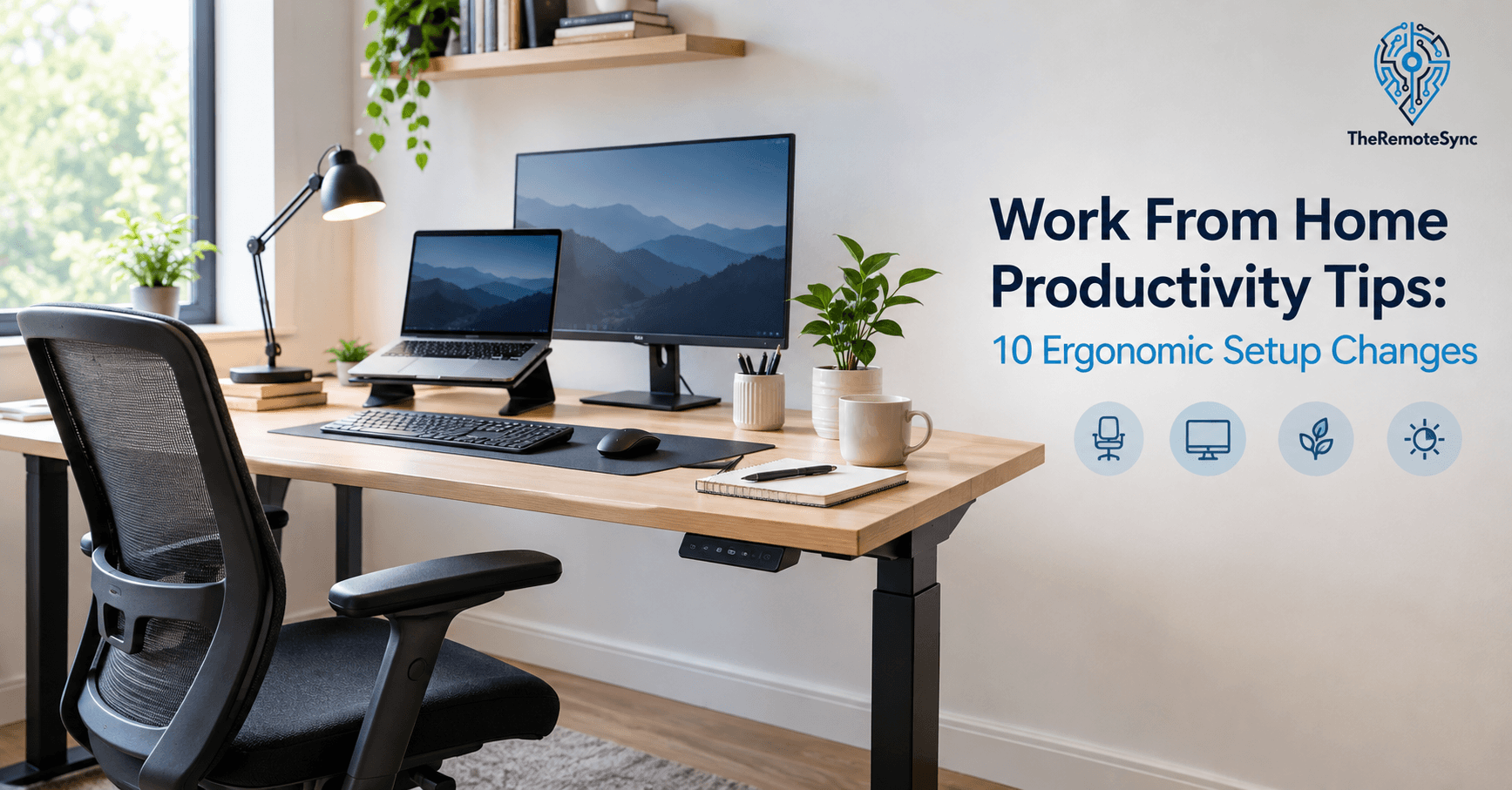
Work From Home Productivity Tips: 10 Ergonomic Setup Changes
READ MOREIt is 2:30 PM. Your neck hurts. Your eyes feel dry. Your lower back is tight from sitting on a dining chair since morning. You…
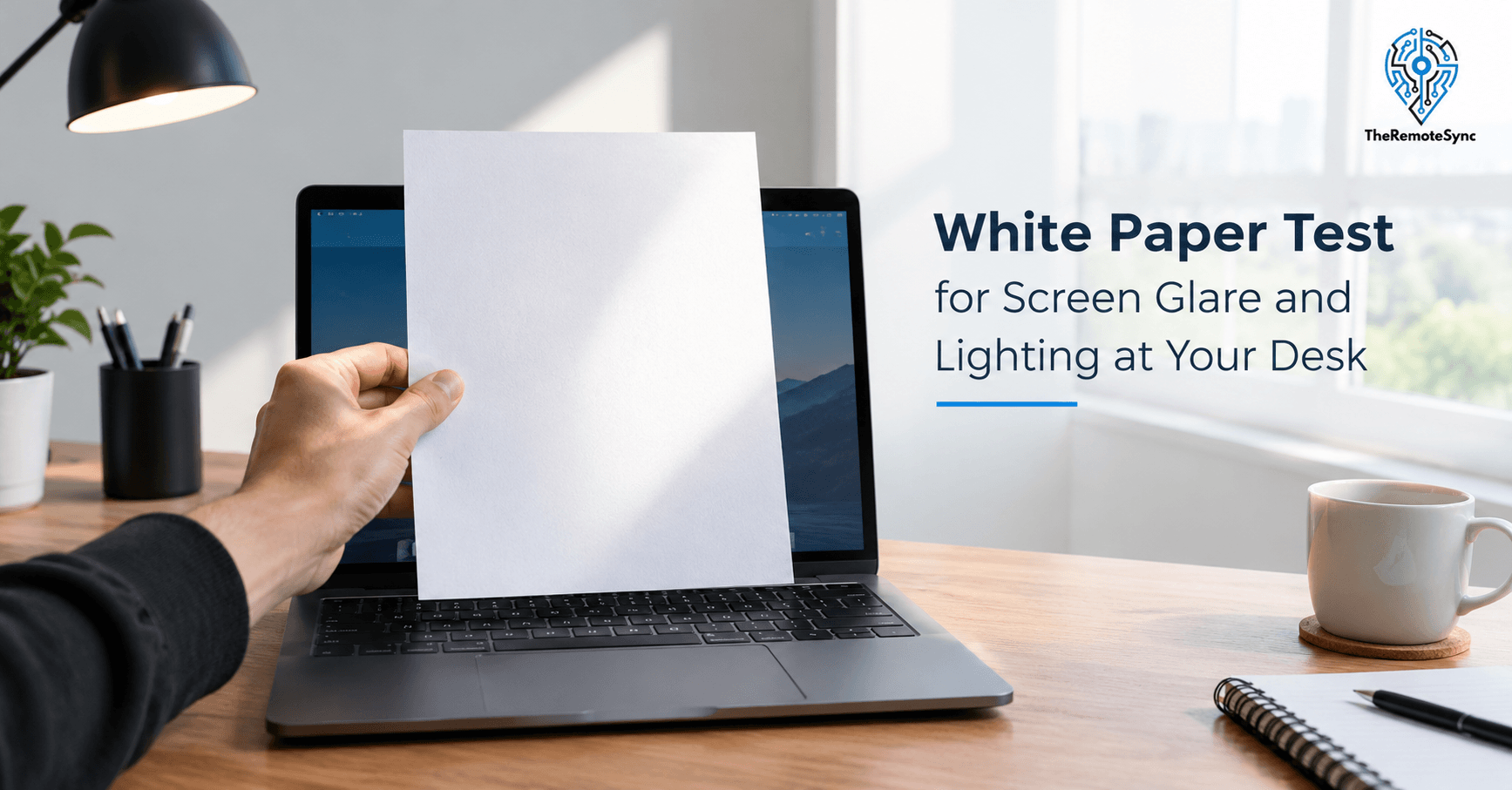
White Paper Test for Screen Glare and Lighting at Your Desk
READ MOREBy 3 PM, your eyes feel dry and heavy. There is a dull ache behind them. You rub your forehead and blame the screen. So…

Deep Neck Flexors Exercises for Neck Pain from Desk Work
READ MOREBy 3 PM, your neck feels tight. Your shoulders are up near your ears. You rub the back of your neck, and it feels like…
Fatigue ICD 10: R53 Codes & Why Remote Workers Get Fatigued
READ MOREBy 2 p.m., your eyes feel dry. Your neck is stiff. You already had two coffees, and you still want a nap. You type “fatigue…
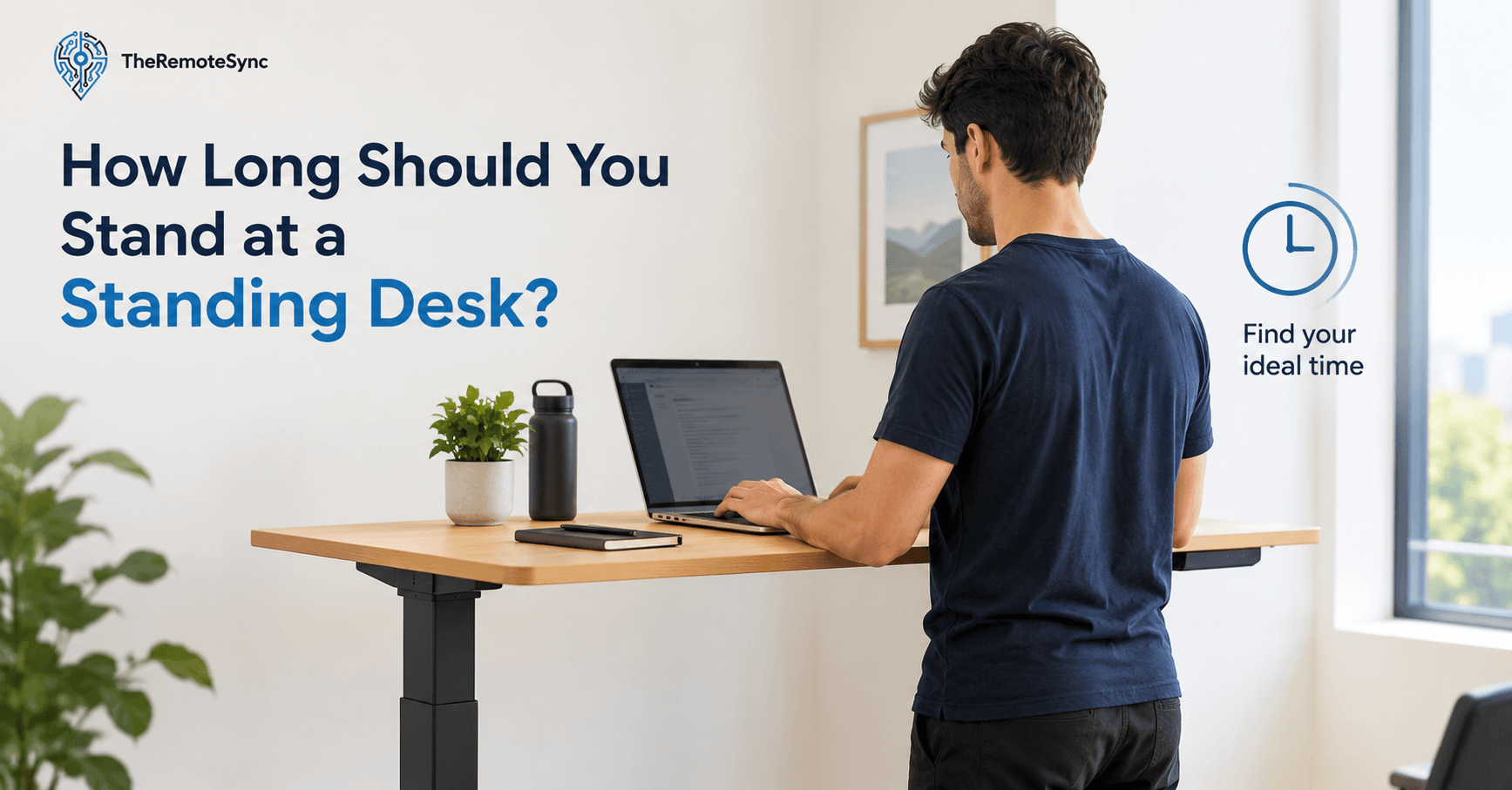
How Long Should You Stand at a Standing Desk?
READ MOREMost people buy a standing desk, raise it on day one, and stand for four straight hours. By 2 PM, their feet hurt. Their lower…
How to Clean OLED Monitor Screen Safely: Step by Step Guide
READ MOREYou lean in for a video call and there it is. A fingerprint smudge sitting right in the middle of your black background, catching the…
Want more? There is a full library of guides waiting for you.
View All ArticlesFrequently Asked Questions (FAQs)
Quick answers to common remote work problems. For the full breakdown on any topic, click through to the guide.
What is ergonomics in remote work?
Ergonomics in remote work means setting up your desk, chair, and monitor so your body is not straining to work comfortably. Poor ergonomics leads to neck pain, back pain, and wrist strain over time. Good ergonomics starts with monitor height at eye level, elbows at roughly 90 degrees, and feet flat on the floor.
See our full guide on normal desk height to get the basics right.
What causes tech neck and can it be fixed?
Tech neck is the forward head posture and neck strain caused by looking down at a screen for long periods. It builds up gradually and can lead to stiffness, headaches, and visible posture changes over time. The good news is it can be improved with the right adjustments and exercises.
Read our article on how to fix tech neck for a step by step approach.
Is a standing desk actually worth it?
A standing desk helps if you use it consistently and alternate between sitting and standing throughout the day. It does not fix posture problems on its own, and standing all day causes its own strain. The benefit comes from movement and position changes, not from standing constantly.
See our full breakdown in are standing desks worth it.
What causes eye strain when working from home, and how long does it last?
Eye strain usually comes from staring at a screen too close, in poor lighting, or without enough blinking. Mild eye strain typically clears up within a few hours of rest, but it can persist if the underlying cause is not addressed.
Learn more in our guide on how long does eye strain last.
How do I stop my wrist from hurting when I work on a computer?
Wrist pain during computer work usually comes from poor keyboard and mouse positioning, or repetitive strain without breaks. Keeping your wrists in a neutral, straight position and using ergonomic gear when needed can prevent most of the discomfort.
Read our full guide on how to relieve wrist pain for specific fixes.
What is a good internet speed for working from home?
A good internet speed for working from home depends on what you use it for, but most remote workers are comfortable with at least 25 to 50 Mbps download speed for video calls and file transfers without lag. See our full guide on what is a good internet speed for working from home for a breakdown by use case.