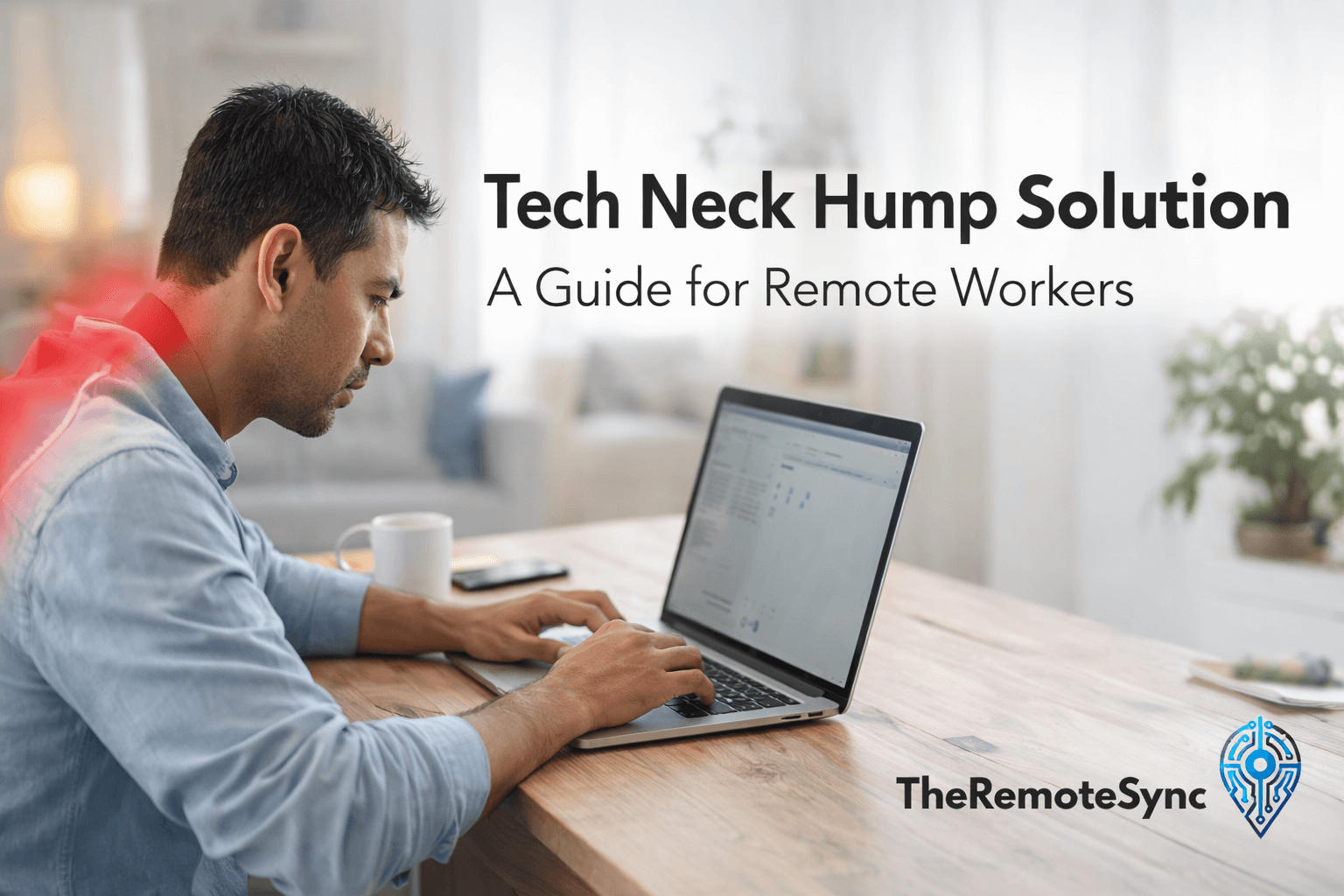
You probably noticed it in a mirror, a side-on photo, or when a family member pointed it out. There’s a visible bump at the base of your neck, right where it meets your upper back. It wasn’t there five years ago.
That’s a tech neck hump. And for remote workers, it’s one of the more common physical consequences of working from a poorly set-up home office for years on end.
The good news: in most cases, it’s not permanent. But it won’t go away on its own, and most of the advice online treats the symptom rather than the cause.
What Actually Causes a Tech Neck Hump
The bump sits at the junction of your cervical spine (neck) and thoracic spine (upper back), usually around the C7 and T1 vertebrae. It forms because of two separate processes that happen at the same time.
First, your head shifts forward. Every inch your head moves in front of your shoulders dramatically increases the load on your neck. At a neutral position, your head weighs roughly 10 to 12 pounds. Tilt it down at 45 degrees, the angle most people use when looking at a laptop, and the effective load on your cervical spine climbs to around 49 pounds. Your neck is not built for that kind of sustained stress.
Second, your body responds by reinforcing the joint. It deposits fibrous, connective tissue at that stress point as a protective response. If you’re younger or caught it early, the hump may be mostly soft tissue. If it’s been years of forward head posture, the spine itself may have begun to curve, which is called cervical kyphosis.
Both present as a visible bump. Both require the same basic approach to fix.
Why Remote Work Makes It Worse Than Office Work
This is worth understanding because most people assume “working from home” is more ergonomically flexible. It is, and that flexibility is the problem.
Offices, for all their faults, generally have desks at a standardized height, monitors on stands, and the occasional ergonomic assessment. At home, you set everything up yourself, often once, and never revisit it.
The laptop issue is the biggest factor. Laptops are structurally incompatible with good posture because the screen and keyboard are physically attached. If you position the keyboard at a comfortable height for your arms, the screen is too low, and you look down all day. If you raise the screen to eye level, your arms are elevated, and your shoulders suffer instead.
Most people unconsciously choose the first option. They protect their shoulders and sacrifice their neck.
Working from soft surfaces makes it worse. Couches and beds feel comfortable in the short term, but they collapse under you. Your lower back rounds, your shoulders follow, and your head pushes forward to keep the screen in view. This pattern, where the chest muscles get tight and the back muscles go weak, is called upper crossed syndrome. The tech neck hump is one of its most visible symptoms.
If you’re still figuring out what a sustainable WFH setup actually looks like, the short version is: a fixed desk, a monitor at eye level, and a chair with back support are not optional.
How to Tell If You Have Forward Head Posture Right Now
You don’t need an X-ray to assess where you are. Two simple checks will tell you what you’re working with.
The wall test. Stand with your heels, glutes, and shoulder blades flat against a wall. Now try to touch the back of your head to the wall without tilting your chin upward. If you can do it without straining, your posture is in reasonable shape. If there’s a significant gap, or you have to force it, you have measurable forward head posture.
The side photo test. Have someone take a photo of you from the side while you’re actually working, not while you’re posing. Drop a vertical line from your ear. In a neutral position, that line should pass through the center of your shoulder. If it lands in front of your shoulder, your head has migrated forward. The further forward it lands, the more the hump is likely to form or already be present.
Can the Tech Neck Hump Be Reversed?
Yes, in most cases, but the timeline depends heavily on how long the posture has been established.
If the hump is soft and relatively recent, meaning mostly accumulated tissue rather than structural spinal change, consistent corrective work can produce visible improvement in four to six weeks. Many people feel pain relief much sooner than that.
If the spine has already begun to curve or the bump has been there for years, improvement is still possible, but takes longer. A few months of consistent effort is a realistic expectation, not a few weeks.
What doesn’t work is waiting. The vertebrae don’t fuse overnight, but they do adapt to whatever position you hold them in over time. The longer you leave it, the more structural the problem becomes.
For a more detailed breakdown of recovery timelines and what affects them, the guide on whether tech neck can be reversed covers it in more depth.
The Four Exercises That Actually Move the Needle
There are dozens of stretches and exercises associated with tech neck. Most of them are fine. These four are the ones that consistently show up in physical therapy protocols because they address the actual mechanical problem: weak posterior chain muscles and tight anterior muscles pulling you forward.
Chin Tucks
This is the most important one. It directly trains the deep cervical flexors, which are the muscles that keep your head stacked over your shoulders. When these go weak, your head drifts forward. Chin tucks wake them back up.
Sit upright and look straight ahead. Without tilting your chin down, pull your head straight back as if pressing the back of your skull against an invisible headrest. You’ll feel a subtle but real muscle engagement at the back of your neck. Hold for five seconds, release, repeat ten times.
Do this at your desk every hour. It looks strange on camera, so mute your MS Teams first.
Check out this video to learn more:
Doorway Chest Stretch
Forward head posture almost always comes packaged with tight pectorals. Tight chest muscles pull your shoulders forward, which rounds your upper back, which makes the hump worse. Stretching them is not optional.
Stand in a doorway. Place both forearms on the frame at shoulder height. Step one foot through until you feel a stretch across your chest and the front of your shoulders. Hold 30 seconds, twice per side.
The simplest habit is to do this every time you get up for water or coffee.
Check out this video to learn more:
Wall Angels
This is harder than it looks, and that’s why it works. It simultaneously trains spinal alignment and activates the middle and lower trapezius, which are the muscles that hold your shoulder blades in position.
Stand with your back flat against a wall, heels, glutes, and head all making contact. Raise your arms into a goalpost position with elbows and wrists also touching the wall. Slowly slide your arms up toward an overhead position and back down without losing any of those contact points.
Most people discover immediately that either their head won’t reach the wall, or their lower back arches away to compensate. Both are informative. Ten slow reps daily.
Check out this video to learn more:
Prone Cobra
Lie face down on a mat. Lift your chest, arms, and hands off the floor. Rotate your palms outward and squeeze your shoulder blades together. Keep your eyes looking at the floor, not up.
This loads the exact muscles, the thoracic extensors and posterior shoulder stabilizers, that get chronically underused when you sit hunched forward all day. Hold ten seconds, five repetitions. Do it after work when you’d otherwise be collapsing on the couch.
For a more complete progression of exercises, the tech neck exercises guide covers additional movements and how to sequence them.
Check out this video to learn more:
Fixing Your Setup: The Part Most Articles Skip
Exercises alone won’t work if you spend eight hours a day in the same posture that caused the problem. The workstation changes are not optional.
Monitor height is the single highest-leverage fix. The top of your screen should be at or just below eye level, so your gaze falls naturally to the center of the screen. If your monitor sits below that, you look down all day. A monitor riser, an articulating arm, or even a sturdy stack of books will do the job. This one change removes most of the forward head pressure throughout the day.
Laptop users need to decouple the screen from the keyboard. There is no comfortable way to use a laptop flat on a desk for a full workday. A laptop stand raises the screen to eye level, but then you need a separate external keyboard and mouse to type. This setup is what the original article called the “sandwich method.” It works because it lets you sit back in your chair with your spine supported while still seeing the screen at the right height.
If you’re weighing options for a stand, the best laptop stands for desk use guide covers what to look for. The key feature is adjustable height, not just a fixed riser.
Chair position matters more than chair cost. Before upgrading your chair, check whether you’re using the one you have correctly. Sit all the way back so your hips make contact with the backrest. Don’t perch on the front edge. If your feet don’t reach the floor at that position, use a footrest or a box. The goal is supported contact through your back, not a rigid military posture.
What About Posture Braces?
Posture correctors and neck braces do have a limited, specific use case. Worn for 20 to 30 minutes a day, they can give you a reference point for what neutral alignment actually feels like, which is useful if you’ve been in forward head posture so long that “straight” feels wrong.
Used for longer than that, they become a problem. Your postural muscles stop engaging because the brace is doing the work. You don’t build strength. You build dependency.
If you want to use one, use it as a short daily reminder, not as a solution.
A Practical Daily Routine
Recovery from a tech neck hump is not one big intervention. It’s a set of small habits that compound over weeks. Here’s a routine that’s realistic to maintain without rearranging your life:
- Morning, before you sit down: 10 wall angels
- When you start work: Check monitor height, sit all the way back in your chair
- Every 60 minutes: 10 chin tucks, walk through a doorway, and do a chest stretch
- Lunch: 5 minutes lying over a rolled towel placed under your upper back for thoracic extension
- End of workday: 5 prone cobras
- Before bed: Check your pillow. If your neck is bent sideways or propped at an angle, your sleep position is undoing daytime progress. A pillow for tech neck that keeps your cervical spine neutral at night makes a measurable difference to recovery speed.
FAQ
Can massage help tech neck?
Yes, and it’s worth doing. Massage can break up tight fascia and give you a few days of pain relief. But it’s passive. Without strengthening the muscles that hold your head in position, the tightness comes back. Think of it as maintenance, not a fix.
How long does it take to reverse a neck hump?
Pain relief typically comes within the first one to two weeks of regular exercise and setup changes. Visible reduction in the hump itself usually takes three to six months. The soft tissue component responds faster than any structural curvature.
What about the horizontal lines on my neck?
Those lines come from constantly folding the skin at that angle. Better posture prevents them from deepening. Skincare helps at the margins, but posture is the primary factor.
Is tech neck hump ever just fat?
Sometimes. If there’s minimal forward head posture but a soft accumulation at the back of the neck, it may be a dorsal fat pad rather than structural. General body composition changes help, but even a fat-dominant hump is often made more prominent by the spine pushing it outward. Posture correction is still part of the answer.
How to fix tech neck hump?
Combine four exercises with a setup fix. Chin tucks, done hourly, retrain the deep neck flexors that let your head drift forward. Add doorway chest stretches, wall angels, and prone cobra to loosen tight chest muscles and rebuild the upper back strength that holds your head in place. None of it sticks unless you also raise your monitor to eye level, since exercises alone can’t outpace eight hours a day in the same forward-leaning position.
Can tech neck be reversed?
Yes, in most cases. If the hump is soft tissue rather than structural spinal change, consistent corrective work shows visible improvement in four to six weeks, with pain relief often coming sooner. If the spine has already started to curve, it’s still reversible, but takes a few months of consistent effort rather than weeks. The one thing that doesn’t work is waiting, since the longer forward head posture continues, the more structural the problem becomes.
Can a chiropractor fix a hump neck?
A chiropractor can help, mainly by improving mobility and alignment in the neck and upper back, but adjustments alone won’t fully resolve a tech neck hump. The hump forms from sustained forward head posture, so lasting improvement still depends on the same two things: consistent corrective exercises like chin tucks and wall angels, and fixing the desk setup that caused it. Chiropractic care works best as a supplement to that work, not a replacement for it.
The Bottom Line
The tech neck hump forms gradually because remote work setups are quietly hard on the spine. Years of looking down at a laptop, sitting without back support, or working from a couch add up.
The fix is not complicated, but it does require doing two things at once: changing the setup that caused the problem, and rebuilding the strength to hold the corrected position. Neither one alone is enough.
Start with the chin tuck today, raise your screen before your next meeting, and build the rest from there.