
If you’ve read about tech neck before, you already know the basics: raise your monitor, do some chin tucks, take breaks. What most guides skip is the part that actually determines whether any of that sticks, a structure for doing it consistently, not just a list of things to try once and forget.
This guide is built as a system rather than a checklist: five habits, in the order that actually matters, plus a simple way to track whether they’re working for your specific body. If you want the deeper mechanics of why tech neck happens, our full guide on getting rid of tech neck covers that; this one is about how to fix tech neck and building the habit that makes the fix stick.
What Is Tech Neck?
Before looking at solutions, it is important to understand what tech neck symptoms look like.
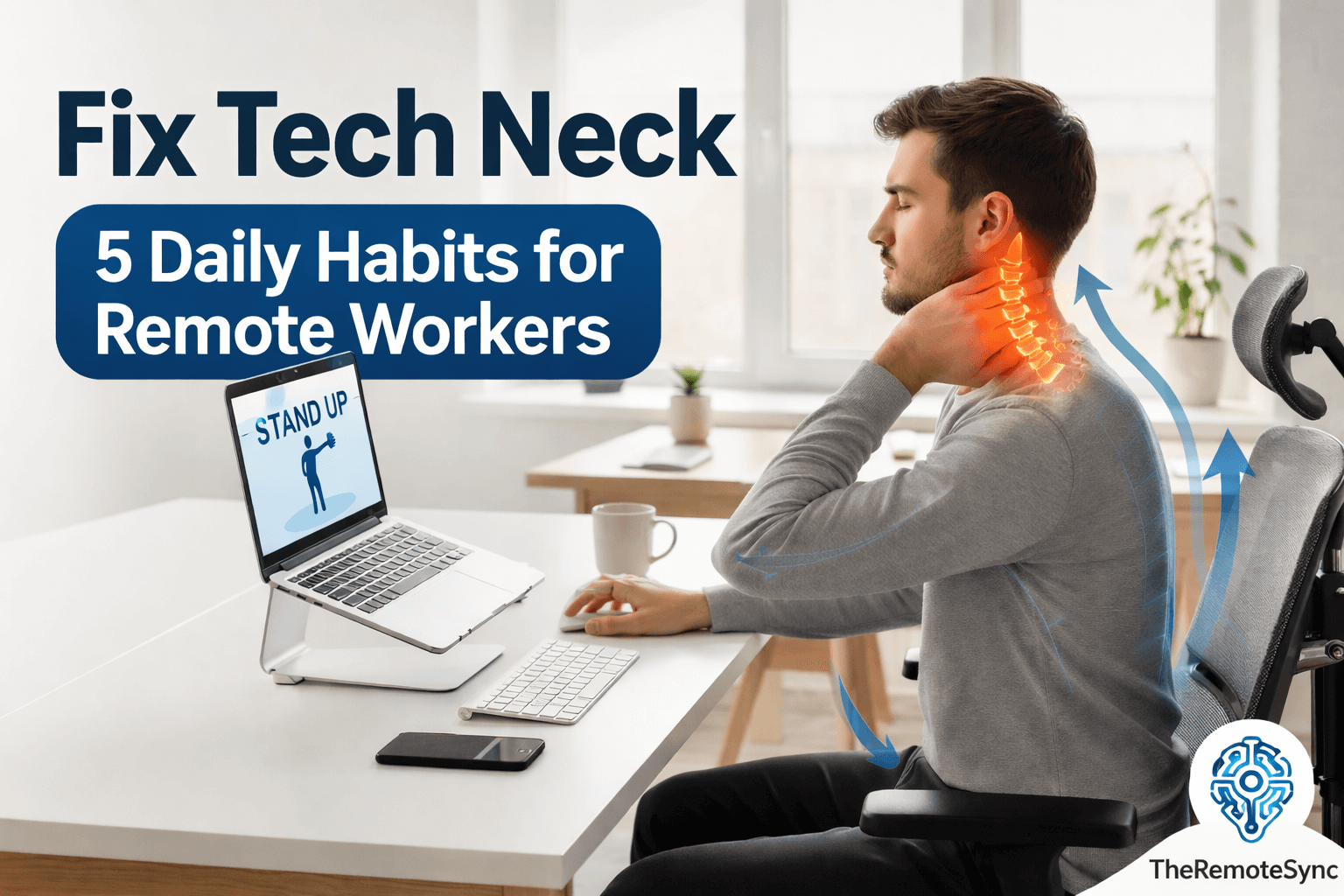
Tech neck is the result of holding your head in a forward position for a long time. When your head tilts forward, the weight on your cervical spine increases significantly.
What “Fixing” Tech Neck Actually Means
Fixing tech neck isn’t a single event; it’s reversing a pattern that built up gradually, which means the fix is also gradual. There are three separate things you’re addressing: the pain and stiffness (fastest to improve), the muscle imbalance underneath it (takes weeks of consistency), and, if present, a visible hump or posture change (the slowest to shift). Knowing which one you’re targeting changes how you judge progress, expecting hump-level change in week one sets you up to quit before the pain-level relief you’re actually getting has a chance to compound.
Common Tech Neck Symptoms
- Neck pain from sitting at desk: This is usually a sharp or dull ache that gets worse as the day goes on.
- Tech neck hump: This refers to the visible curve or bump at the base of the neck caused by chronic slouching.
- Tech neck lines and tech neck wrinkles: These are horizontal creases that form on the skin of the neck due to repeated folding while looking down.
- Remote work fatigue: Poor posture restricts your breathing and blood flow, making you feel more tired than usual.
Many people ask, is tech neck permanent? Fortunately, the answer is usually no.
In most cases, can tech neck be reversed? Yes, provided you catch it early and change your habits.
Habit 1: Optimize Your Ergonomic Workstation Setup
The way your desk is arranged dictates your posture. You cannot fix your neck if your environment forces you to slouch. A proper ergonomic workstation setup is the foundation of recovery.
The Eye-Level Rule
Your screen should always be at your eye level. If you work from a laptop, the screen is too low by default. This forces you into a “looking down” position, which is where remote working causes tech neck.
- Use a laptop stand: Elevating your device ensures you look straight ahead.
- External peripherals: Once the laptop is raised, use an external keyboard and mouse to keep your shoulders relaxed.
Invest in the Best Chair for Tech Neck
A good chair supports the natural “S” curve of your spine. Look for a chair with adjustable lumbar support and headrests.
If you cannot buy a new chair, a small pillow for neck and shoulder pain can provide temporary relief by filling the gap behind your neck during breaks.
Habit 2: Perform Daily Tech Neck Exercises
To fix the structural issues, you must strengthen the muscles that have become weak. Using exercises for tech neck daily can help pull your head back into its natural alignment.
The Chin Tuck
This is one of the most effective forward head posture exercises.
- How to do it: Sit tall and look straight ahead. Gently pull your chin straight back, as if making a double chin. Do not tilt your head down.
- Benefit: This helps with cervical spine alignment for desk workers by strengthening the deep neck flexors.
Shoulder Blade Squeezes
Remote work often causes rounded shoulders.
- How to do it: Imagine there is a pencil between your shoulder blades and try to pinch it. Hold for five seconds.
- Benefit: This opens up the chest and counters the “hunch” position.
Habit 3: Master the Best Sitting Posture
Even with a great chair, you have to consciously choose the best sitting posture. Many remote workers tend to lean toward the screen as they focus.
The 90-90-90 Rule
- Elbows: Should be at a 90-degree angle, resting close to your body.
- Hips: Should be at a 90-degree angle in the chair.
- Knees: Should be at a 90-degree angle with feet flat on the floor.
Consistent alignment is how you answer the question of how to get rid of tech neck long-term. It prevents the constant strain that leads to remote working causes neck pain.
Habit 4: Implement a Daily Mobility Routine for Home Office
Static positions are the enemy of spinal health. You need to move to keep your joints lubricated. A daily mobility routine for the home office does not have to be long; it just needs to be frequent.
The 20-20-20-2 Rule
Every 20 minutes, look 20 feet away for 20 seconds. Add a “2” to this: spend 2 minutes standing or doing tech neck stretches.
- Neck Tilts: Gently move your ear toward your shoulder on each side.
- Chest Openers: Stand in a doorway and place your arms on the frame to stretch the front of your shoulders.
These best stretches for remote developers and creators help reduce the tension that builds up during deep work sessions.
Habit 5: Use Digital Tools to Track Progress
It is easy to forget your posture when you are busy. At TheRemoteSync, we recommend using the tools you already use for work to help your health.
The Notion Posture Tracker
You can create a simple Notion posture tracker to log your pain levels and daily exercise completion.
- Track pain location: Keep a note of your tech neck pain location to see if it moves or lessens over time.
- Habit checkboxes: Mark off when you have completed your neck exercises for tech neck.
Using a tracker helps you see how long does it take to fix tech neck for your specific body. For some, relief starts in days. For others with a significant tech neck hump, it may take weeks of consistency.
Building a Recovery Habit That Actually Sticks
Most people don’t fail at fixing tech neck because they don’t know what to do, they fail because the plan doesn’t survive contact with a real workday. The habits above only work if they attach to something you’re already doing, rather than existing as a separate task competing for your attention.
Pick one trigger you hit reliably every day, your first coffee, your first Slack check, the start of your daily standup, and tie a single habit to it rather than trying to remember five separate changes at five separate times. Once that one habit runs on autopilot for a week or two, add the next one. Trying to install ergonomic setup changes, daily exercises, sitting posture, and mobility breaks all at once is the most common reason people quit within the first few days; the habit that survives is the one that started smaller than felt necessary.
Tracking Progress Without Overcomplicating It
You don’t need a dedicated system to know whether this is working, you need a way to notice the trend, since day-to-day pain fluctuates enough that relying on memory alone makes it hard to tell if you’re actually improving.
If you already use a tool like Notion, Google Sheets, or even a plain notes app for daily tasks, add two fields to something you already open every day: a 1-to-10 pain rating and a checkbox for whether you did your exercises, rather than building a separate tracking system you’ll forget to open. The unique value isn’t the tool, it’s checking it weekly rather than daily, since day-to-day noise makes single entries meaningless but a two-week trend line tells you clearly whether your setup changes are working or whether it’s time to adjust something.
When Your Setup Alone Isn’t Enough
If you’ve raised your monitor, added daily chin tucks, and fixed your sitting position for several weeks and the pain hasn’t meaningfully shifted, that’s useful information, not a sign you’re doing it wrong.
A pattern that doesn’t respond to consistent ergonomic and exercise changes after 4 to 6 weeks is a reasonable signal to bring to a physical therapist or doctor, rather than continuing to adjust your desk setup indefinitely. This is especially true if the pain is asymmetric (worse on one side specifically), radiates down an arm, or comes with numbness or tingling, since those patterns point toward something beyond simple postural strain that a monitor stand won’t fix.
Can You Get Rid of Tech Neck Lines Naturally?
Many people worry about the aesthetic side, specifically how to fix tech neck lines or how to get rid of tech neck lines naturally. These wrinkles are caused by the skin being compressed.
While creams can help the skin, the only way to stop them from deepening is to address the posture. By improving your cervical spine alignment, you stop the repeated folding of the skin.
Frequently Asked Questions
How to fix computer neck?
Fix your workstation first: raise your screen to eye level and invest in a chair with adjustable lumbar support and a headrest. Layer daily chin tucks and shoulder blade squeezes on top, hold the 90-90-90 sitting position, and break up static sitting every 20 minutes with a short movement routine. The combination of setup and daily habit is what actually reverses it, not any single fix.
Is tech neck permanent?
No, usually not. In most cases tech neck is reversible if you catch it and change your habits, including an established hump. It isn’t too late unless you’ve had years of unaddressed forward head posture, and even then improvement is still possible, just slower. What matters most is starting consistent correction now rather than how long you’ve had it.
How long does it take to reverse a tech neck?
It varies by how established the pattern is. For some people, relief starts within days of fixing the setup and starting daily exercises. For others with a more significant hump or years of habit behind it, it can take weeks of consistency before you notice a real difference. Tracking your pain level and exercise completion daily is the most reliable way to see your own timeline.
What are the early signs of a tech neck?
Early signs include a dull ache in the upper back and neck that worsens through the day, and the first horizontal lines or creases starting to form on the neck from repeated forward folding. Catching it at this stage matters, since tech neck responds fastest to correction before a visible hump or structural change sets in.
How to fix tech neck hump?
Combine daily exercises, chin tucks and shoulder blade squeezes are the two most direct ones, with an ergonomic workstation that stops the forward head posture causing it in the first place. Raising your monitor to eye level and using a chair with real lumbar support removes the ongoing cause, while the exercises rebuild the strength to hold a corrected position.
How to fix tech neck double chin?
The double chin appearance linked to tech neck is mostly positional, caused by the head tilting forward and compressing the skin and soft tissue under the jaw. Chin tucks directly counter this by retraining your head to sit back over your shoulders, and consistent posture correction reduces how often your neck folds into that position throughout the day.
Conclusion
Fixing tech neck comes down to a short list of changes that reinforce each other: a desk setup that stops causing the problem, daily movement that rebuilds the strength you’ve lost, and posture habits that hold through a full workday rather than just the first hour.
None of these need to be perfect immediately. Start with the one that’s easiest for you to keep, raising your monitor is usually the fastest win, and add the next habit once the first one feels automatic. Consistency across a few weeks will tell you more than any single change on this list ever could on its own.
Ready to optimize your health? Check out our recommended list of the best pillows for tech neck!