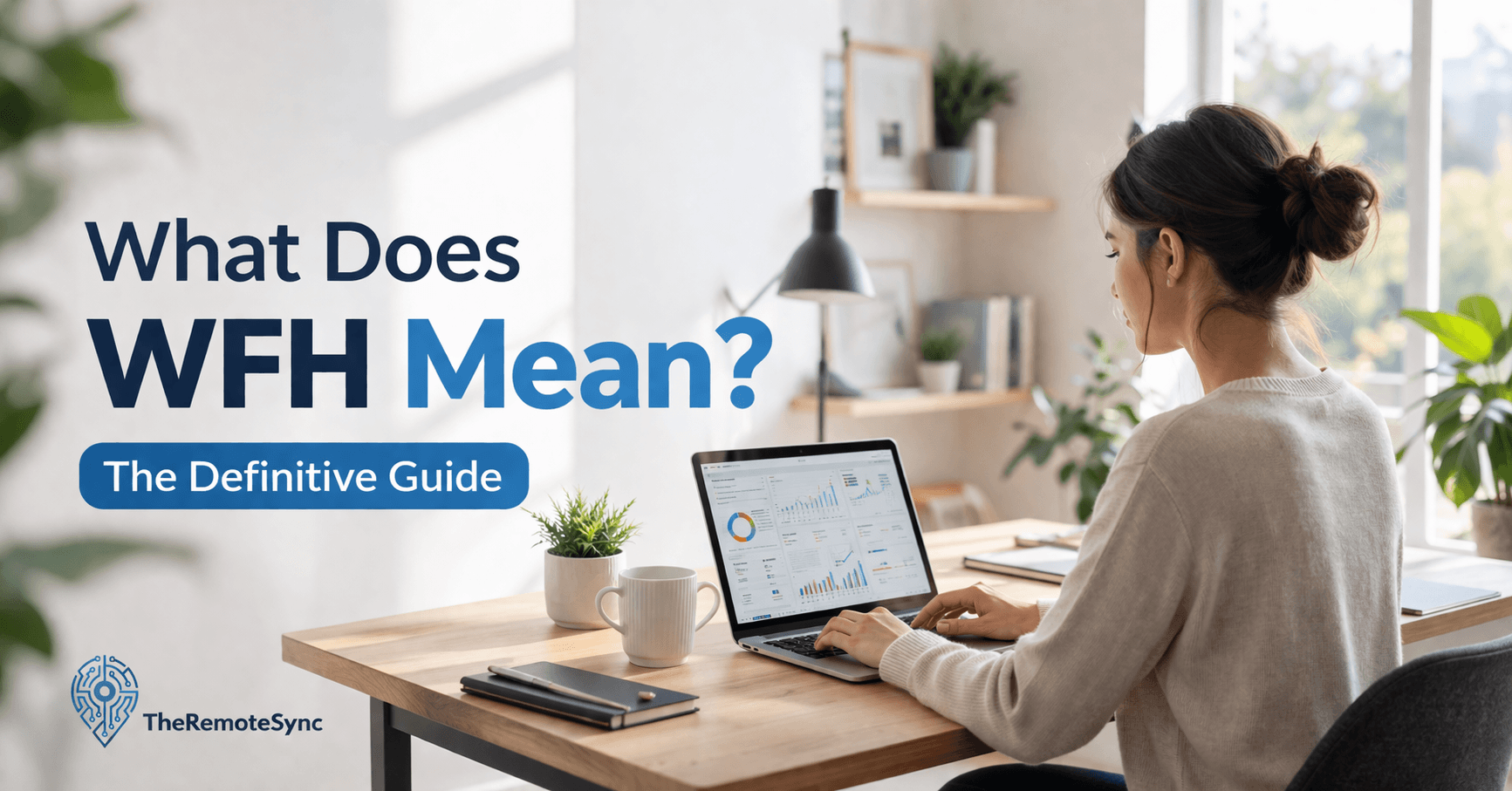
WFH stands for “work from home.” If you already knew that, good. But the three-letter abbreviation carries a lot more nuance than the definition suggests, and that nuance matters whether you are reading a job listing, negotiating with your employer, or trying to figure out why your current setup is not working for you.
This article breaks down what does WFH means in 2026, how it differs from related terms, what the data says about how it plays out in practice, and what separates people who thrive working from home from those who burn out quietly.
WFH and Related Terms, Clarified
The vocabulary around remote work has gotten messy. Here is how the key terms actually differ:
WFH (work from home) is specific to location. It means your home is your workplace. It is typically associated with employees who have a primary employer and a defined role, not freelancers or location-independent contractors.
Remote work is the broader category. A remote worker might work from home, a co-working space, a coffee shop, or a different country altogether. All WFH workers are remote workers, but not all remote workers are WFH.
Hybrid work means splitting time between home and an office on a scheduled or flexible basis. This is the most common arrangement in 2026 for knowledge workers in larger organizations.
WFA (work from anywhere) goes a step further than WFH. There is no fixed home base required. This is less common and usually reserved for specific roles or companies with fully distributed teams.
Telecommuting is the older, more formal version of the same idea. You will mostly see it in HR documentation and legal contracts rather than job listings.
Understanding the distinction matters practically. If a job posting says “WFH” without specifying days or terms, ask during the interview whether that means fully remote or occasional home days. The two are not the same thing, and assuming wrong can create friction once you are hired.
How WFH Actually Works Day to Day
A WFH arrangement is only as good as the infrastructure supporting it. The basics that actually need to be in place:
Reliable internet. Not fast internet — reliable internet. A fiber connection with occasional outages is worse than a slower but stable cable connection during a live client call. If you are on video calls regularly, your upload speed matters as much as your download. Most remote workers need at least 25 Mbps upload for stable video, more if others in the household are also online simultaneously.
A defined workspace. This does not have to be a separate room. It does have to be a space that is set up specifically for work and used consistently. The reason this matters is not aesthetic. It is cognitive. Working from a couch, a kitchen table, and a desk across different days fragments your ability to get into a focused state quickly. Consistency in your physical environment supports consistency in your output.
Clear communication agreements. The most underrated part of a WFH arrangement. Who do you message when something is urgent? What is the expected response time for async messages? When are you expected to be reachable? These agreements prevent the two most common failure modes of WFH: disappearing too much and never being able to disconnect.
If you are building your home workspace for the first time, the WFH setup essentials guide on TheRemoteSync covers exactly what to prioritize and what to skip.
The Numbers Behind WFH in 2026
The pandemic did not invent remote work. It accelerated something that was already happening.
Freelancers, consultants, and certain technical roles had been working remotely since the 1990s, when broadband internet became accessible enough to make it practical. The early 2000s brought more formal telecommuting policies at larger companies, though it remained a perk for a minority.
COVID-19 changed the scale overnight. By mid-2020, the majority of paid workdays in the US were happening from home. That number has since come down, but it has not returned to pre-pandemic levels and shows no signs of doing so. According to WFH Research data, remote and hybrid work has stabilized at a permanently higher baseline than anything seen before 2020.
The distribution is uneven across industries:
- Technology has the highest WFH rates. Nearly half of tech employees are fully remote, and most of the rest are in hybrid arrangements. Fewer than 1 in 10 are back on-site full-time.
- Marketing, finance, and customer service all have high WFH adoption because the work is largely digital and output is measurable without physical presence.
- Healthcare, construction, manufacturing, and hospitality have far lower rates because the work genuinely requires physical presence. No amount of video conferencing replaces hands-on work.
The other shift worth noting: in 2026, project management overtook computer and IT as the most common fully remote occupation. The tools have caught up enough that coordination-heavy roles no longer require everyone to be in the same room.
WFH vs Hybrid Work: Which Actually Performs Better
This is a question worth answering directly because the data is clearer than most people expect.
Fully remote and fully on-site arrangements both show consistent weaknesses. Fully remote workers tend to report higher individual productivity but worse team cohesion and higher rates of burnout over time. Fully on-site workers spend time commuting, face more interruptions, and often report less satisfaction with their work arrangements.
Hybrid consistently outperforms both extremes in the data. A Stanford study found that hybrid work had no negative effect on productivity or career advancement while reducing employee turnover by 33%. The researchers noted that the structure of hybrid — defined in-office days, intentional async communication, regular face time — seems to capture the benefits of both arrangements without the worst of either.
The most common hybrid schedule in 2026 is two to three days in-office per week. That is not a company mandate so much as a Schelling point — it became the default because it works for enough people that it stuck.
Where WFH fully wins is in individual-contributor roles with minimal collaboration requirements. Writers, analysts, developers working on independent tasks, and many customer-facing support roles do not lose much from being fully remote. Where hybrid wins is in roles that mix deep independent work with regular collaboration: product teams, engineering leads, account managers.
The Real Benefits of WFH (Beyond the Commute)
The commute savings get cited in every remote work article. They are real — saving roughly an hour a day adds up. But the more durable benefits are less talked about:
Schedule control over the small things. Being able to step out for a 20-minute appointment, take a proper lunch, or start and end your day based on your actual energy levels has compounding effects on how sustainable the work is over months and years. This is harder to quantify than saved commute time, but remote workers consistently rank it among the most valued parts of WFH.
Reduced context-switching from office social dynamics. Open offices are interruption machines. Working from home, especially in a well-set-up space, removes a whole category of distraction that office workers do not even notice until it is gone.
Lower cost of living optionality. Once geography is no longer tied to where you work, your choice of where to live is genuinely open. This is a significant financial lever that most WFH articles skip over. It is also why WFA (work from anywhere) policies have become a retention tool for companies competing for talent.
For employers, the business case is also more nuanced than the office real estate savings that get quoted frequently. The larger value is in retention. When someone with a valuable skill set would otherwise leave for flexibility, offering WFH or hybrid work eliminates that reason. Replacing an experienced employee is expensive in ways that are hard to track precisely but consistently show up as significant in workforce data.
The Problems with WFH That Do Not Get Enough Attention
Most WFH coverage focuses on the benefits and treats the challenges as footnotes. That is the wrong proportion if you are actually trying to make this work long-term.
The isolation problem is real and cumulative. This is not about missing the office birthday cake. It is about the gradual erosion of the informal relationships that help people get things done, feel like they belong somewhere, and get visibility for their work. The workers most affected are those who joined a company remotely and never had a period of on-site relationship-building to draw from. After a year or two of WFH without intentional effort to stay connected, many people find they have shallow relationships with almost everyone they work with.
Burnout in fully remote roles runs higher than most expect. The flexibility that makes WFH appealing is the same thing that makes it hard to switch off. Without a commute to mark the transition between work and personal time, the workday can expand indefinitely. Checking email after dinner becomes checking email at 10pm. Working late on a Tuesday becomes expected rather than exceptional. Over time, the erosion of clear boundaries is the primary driver of burnout in fully remote roles.
Physical health takes a hit without active management. In an office, walking between buildings, going out for lunch, and moving between meetings adds up to more movement than it looks like. At home, a bad day can involve almost no movement at all. This feeds into neck strain, back pain, and the kind of sedentary pattern that compounds over the years. If you are spending most of your workday in a chair, the ergonomics of your setup matter more than most remote workers realize until they are already in pain.
The manager trust gap is a structural problem, not a personality problem. Many managers are evaluated partly on what they can observe. Remote work removes observability. The response is often some form of surveillance or micromanagement — status update requests, overly frequent check-ins, read receipts — that reduces morale without actually improving output. This is a management practice problem, and it does not resolve itself on its own. Organizations that do WFH well have usually invested in training managers to evaluate output rather than presence.
WFH Productivity: What Actually Makes the Difference
The popular advice on WFH productivity is mostly surface-level. Here is what the patterns actually look like across people who work well remotely versus those who struggle:
People who do well set a start time and a stop time and treat both as firm. The flexibility of WFH is best used for what you do between those times, not for dissolving the structure entirely. No defined start means slow mornings. No defined stop means work that expands until you are too tired to continue.
Your physical setup affects your output more directly than motivation does. A bad chair will drain you by early afternoon. Poor monitor positioning causes neck tension that accumulates over weeks and makes it harder to stay focused. A space that blurs into your personal life means your attention blurs too. These are not comfort issues. They are productivity and health issues. The right ergonomic setup is one of the higher-return investments a remote worker can make.
Over-communication is a skill that takes practice. In an office, a lot gets communicated through proximity — someone can see that you are in a meeting, that you look stressed, that you are heads-down on something. None of that exists remotely. The default for most new remote workers is to communicate less than necessary, which creates uncertainty for managers and teammates. The people who are effective remotely err on the side of communicating more, documenting decisions, and making their work visible through messages and shared outputs rather than through physical presence.
Breaks are not optional. Taking them feels like losing time. Skipping them consistently leads to worse output in the second half of the day and, over weeks, to mental fatigue that does not fully resolve with rest. Building actual breaks into the day — away from screens, not just switching to a different screen — is one of the most evidence-backed ways to sustain performance in knowledge work.
How to Find WFH Jobs in 2026
The remote job market in 2026 is more competitive than it was in 2021 or 2022, when companies were scrambling to fill roles. Here is what actually works:
Use job boards built specifically for remote roles. We Work Remotely, Remote.co, and FlexJobs filter exclusively for remote and WFH positions, which saves time. LinkedIn is also useful if you set the location filter to “Remote” — most major companies post there directly.
Go directly to the company career pages for your target companies. Many companies that offer WFH do not prominently advertise it in job board titles. If you have specific companies in mind, checking their careers page directly often surfaces roles that do not appear in aggregated searches.
Your application needs to show remote-specific competence. Employers hiring for WFH roles are trying to screen for one thing above everything else: can this person work independently and communicate clearly without daily face-to-face contact? Mention your experience with async communication, your familiarity with remote tools, and any examples of delivering work independently. A generic application that could have been written for an on-site role will not stand out.
A Quick Word on RTO and Where Things Are Headed
The “return to office” wave of 2023 and 2024 produced a lot of headlines but less actual change than the announcements suggested. Many companies that announced RTO mandates saw pushback, exceptions carved out, and quiet reversion to hybrid arrangements.
The pattern that has emerged is a clear bifurcation: companies that want to use office presence as a culture and collaboration tool are standardizing hybrid. Companies trying to use RTO as a headcount reduction tool by hoping people will voluntarily quit are running into retention problems they did not fully anticipate.
For employees, the practical implication is that negotiating for WFH or hybrid flexibility remains viable at many organizations, particularly for roles where output is measurable, and the work does not require physical presence.
Frequently Asked Questions
What is WFH?
WFH stands for “work from home.” It’s specific to location, meaning your home is your workplace, and it’s typically associated with employees who have a primary employer and a defined role rather than freelancers or location-independent contractors.
What is the difference between WFH and remote work?
Remote work is the broader category. A remote worker might work from home, a co-working space, a coffee shop, or a different country entirely. WFH is one specific form of remote work, so all WFH workers are remote workers, but not all remote workers are WFH. The distinction matters in practice: a job posting that says “WFH” without specifying terms could still mean occasional home days rather than fully remote, so it’s worth clarifying during an interview.
Does hybrid work perform better than fully remote WFH?
The data leans toward yes for most roles. Fully remote workers tend to report higher individual productivity but worse team cohesion and more burnout over time. A Stanford study found hybrid work had no negative effect on productivity or career advancement while cutting employee turnover by 33%, seeming to capture the benefits of both without the worst of either. Fully remote still wins for individual-contributor roles with minimal collaboration needs.
What are the biggest problems with WFH that don’t get talked about enough?
Isolation is the big one: the gradual erosion of informal relationships that help you get visibility and feel connected, which compounds over a year or two without intentional effort. Burnout is close behind, since without a commute to mark the transition, the workday can quietly expand into evenings. Physical health also takes a hit, since a bad WFH day can involve almost no movement at all compared to an office day.
How do you find legitimate WFH jobs?
Use job boards built specifically for remote roles, like We Work Remotely, Remote.co, and FlexJobs, or filter LinkedIn’s location setting to “Remote.” Many companies that offer WFH don’t advertise it prominently in job titles, so checking target companies’ career pages directly often surfaces roles that don’t show up in aggregated searches. Your application should also show remote-specific competence: async communication experience and examples of delivering work independently, not a generic on-site-style application.
Conclusion
WFH is not just an abbreviation. It is a work arrangement that requires deliberate setup, honest self-management, and the right physical environment to actually function well over the long term.
The workers who thrive remotely are not necessarily the most disciplined or the most motivated. They are the ones who took the time to set up their space properly, established clear boundaries between work and personal time, and got good at communicating in writing.
If you are building or improving your home office setup, the WFH setup guide on TheRemoteSync covers the specific equipment and ergonomic decisions that make the biggest difference.