Your eyes were not built for staring at a backlit screen for eight hours straight. And yet, here we are.
If you finish most workdays with tired, dry, or aching eyes, you are not alone. Remote workers routinely rank eye strain among their top physical complaints, right alongside neck pain from poor posture and wrist pain from repetitive mouse use.
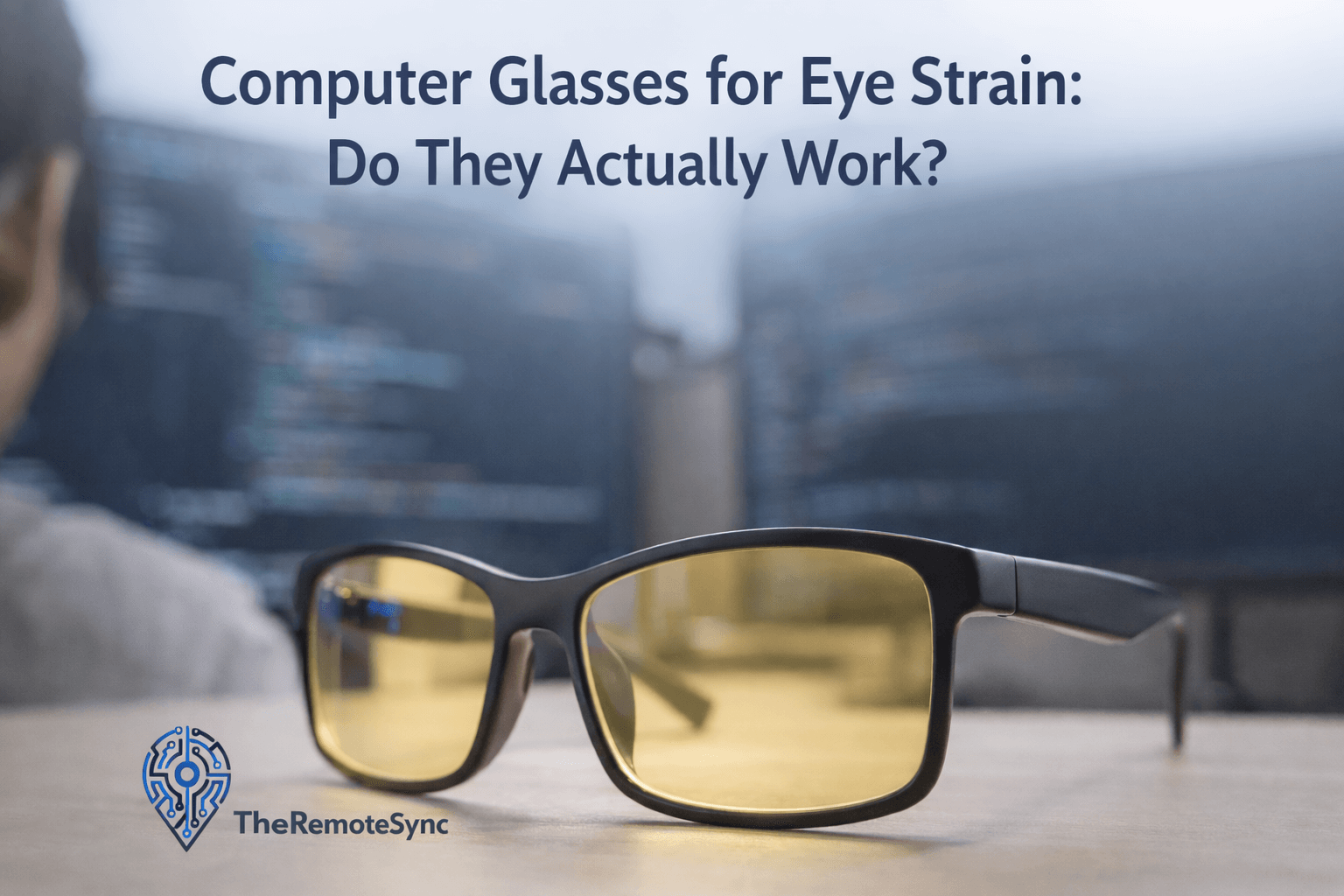
Computer glasses for eye strain have become one of the most advertised fixes for this problem. But there is a wide gap between the marketing claims and what they actually do. Here is an honest breakdown.
What Is Actually Happening to Your Eyes at the Screen
Digital eye strain, clinically referred to as Computer Vision Syndrome (CVS), is not a single condition. It is a cluster of symptoms that builds up over hours of screen use.
The core issue is one of sustained focus. When you look at a screen, your eyes are locked into a fixed focal distance for far longer than they were designed to maintain. Unlike reading a printed page, a screen also emits its own light, refreshes constantly, and often sits in an environment where ambient light creates competing glare.
Your eyes respond by working harder to hold focus, blinking less frequently (dropping from a normal rate of around 15-20 blinks per minute to as few as 5-7 during screen use), and fatiguing in the process.
Common symptoms include:
- Eye muscle fatigue: A dull ache or heaviness around the eyes, typically appearing after 2-3 hours of continuous screen time
- Blurred vision: Difficulty refocusing when you look away from the screen, or text becomes temporarily unclear
- Headaches: Usually felt behind the eyes or at the temples; distinct from migraines in that they build gradually and tend to ease when you stop screen use. If this is a recurring issue for you, our guide on eye strain and headaches covers the connection in more detail
- Dry eyes: The reduced blink rate means your eyes get less surface moisture, which can lead to a burning or gritty feeling
- Difficulty sleeping: Evening screen use suppresses melatonin production, making it harder to fall asleep
Understanding these symptoms matters because different products address different parts of the problem. A pair of computer glasses may help with some of these, but will do nothing for others.
What Computer Glasses for Eye Strain Actually Do
Computer glasses are not the same as reading glasses, and they are not simply blue-light-blocking glasses either. The distinction matters.
Most adults sit approximately 20-28 inches from their monitor, which optometrists call the “intermediate zone.” This distance is awkward for most standard prescription lenses, which are typically optimized for either near work (reading glasses) or distance. Computer glasses are optically designed specifically for that intermediate range.
There are three functional features worth understanding:
Intermediate Distance Correction
This is the most evidence-backed benefit of computer glasses. By correcting your focal point for the exact distance between your eyes and your screen, these glasses reduce the constant micro-adjustments your eye muscles make to maintain a sharp image. For people who already wear prescription glasses, a separate pair optimized for their screen distance can make a meaningful difference.
Anti-Reflective (AR) Coating
Screen glare is a genuine contributor to eye fatigue. AR coatings reduce the light that bounces off the lens surface before it reaches your eye, which lowers visual noise. This benefit applies regardless of whether you use prescription lenses.
Blue Light Filtering
This is where the marketing tends to outrun the evidence.
Blue light filtering is the most heavily promoted feature in consumer computer glasses. The claim is that blue light from screens causes eye damage and disrupts sleep. Research on this is more nuanced than most ads suggest: the current clinical consensus does not support the idea that blue light from screens at normal viewing distances causes long-term retinal damage. The more defensible claim is about sleep. Blue-wavelength light does suppress melatonin production, and wearing amber-tinted or blue-light-filtering lenses in the two hours before bed has real support for improving sleep quality.
For daytime use, the practical benefit of blue-light filtering on eye strain specifically is less clear. The intermediate distance correction and the AR coating are doing more of the heavy lifting.
What the Research Actually Shows
A 2021 Cochrane Review on blue-light-filtering lenses found little to no evidence that they reduce eye strain compared to standard lenses. This does not mean computer glasses are useless. It means the blue-light marketing is doing more work than the science supports.
The clinically grounded benefit is the lens design itself: intermediate focus optimization reduces accommodative stress (the effort your eyes make to maintain focus), which directly correlates with reduced fatigue. If you are experiencing significant eye strain, the most effective thing you can do with eyewear is get your eyes properly evaluated by an optometrist, mention your screen-use habits, and get lenses designed for your specific working distance.
How to Choose the Right Pair
If you are shopping for computer glasses, here is what to actually look for rather than what the packaging emphasizes.
If you already wear prescription glasses: Talk to your optometrist about a dedicated screen-use prescription. Many people with mild prescriptions that they do not normally wear find that screen-optimized lenses make a noticeable difference. The cost is typically comparable to a standard pair.
If you have no prescription: Non-prescription computer glasses (sometimes called “zero power” lenses) with quality AR coatings can still help by reducing glare and, if you are sensitive to artificial light, providing mild blue-light filtering. Look for lenses with a reputable AR coating rather than cheap tinted plastic.
For evening use specifically: Amber-tinted lenses have a stronger blue-light filtering effect than clear lenses with a coating. If your main concern is sleep quality after late-night work sessions, amber is more effective than a clear coating.
What to ignore: Aggressive marketing around lens percentages (“blocks 99% of blue light”) without specifying the wavelength range is largely meaningless for daytime eye strain. The optical quality and AR coating matter more than the blue-light filter percentage on the packaging.
What No Pair of Glasses Can Fix
Even the best computer glasses cannot compensate for a poorly set-up workspace. If you are dealing with chronic eye strain, the following factors are often more impactful than your eyewear.
Screen position: Your monitor should sit at arm’s length (roughly 20-28 inches), and the top of the screen should be at or slightly below eye level. A screen that is too close forces your eyes to maintain a tighter focal point for longer. Pairing this with our guide on best computer monitor settings for eyes covers the calibration side of this.
Ambient lighting: If your screen is the brightest light source in the room, your eyes are constantly adjusting between the screen and the darker surroundings. Your monitor brightness should roughly match the ambient light in the room.
Blink rate: This is free, and most people never think about it. Consciously blinking fully (not just a partial flutter) several times when you notice dryness helps restore the tear film. Artificial tears kept at your desk are a low-cost, high-impact fix for dry eye symptoms.
The 20-20-20 rule: Every 20 minutes, look at something 20 feet away for 20 seconds. This is not a myth. It gives your eye muscles a genuine rest from sustained close focus. The hard part is actually doing it consistently, which is why phone reminders or apps like Time Out (Mac) or EyeLeo (Windows) are worth using.
Monitor quality: A higher-quality panel with accurate refresh rates and lower flicker can meaningfully reduce visual fatigue. If you are regularly dealing with headaches or strain, the monitor itself is worth looking at. Our breakdown of the best computer monitors for eye strain covers the hardware side.
Frequently Asked Questions
Can glasses help with computer eye strain?
Yes, but mainly through two features that get less marketing attention: intermediate distance correction, which reduces the constant micro-adjustments your eyes make to focus on a screen 20 to 28 inches away, and anti-reflective coating, which cuts glare. Blue light filtering, the most heavily promoted feature, has much weaker evidence behind it for daytime eye strain specifically. Computer glasses work best alongside good habits, not as a replacement for them.
Can computer glasses cause dizziness?
It’s uncommon, but it can happen with the wrong prescription or lens design, since a computer glasses prescription is optimized for a specific screen distance and can feel disorienting if that distance doesn’t match your actual setup. If you experience dizziness with a new pair, it’s worth having an optometrist recheck the prescription and confirm it matches your real working distance rather than pushing through it.
Which glasses are best for eye strain?
If you already wear prescription glasses, a dedicated screen-use prescription optimized for intermediate distance, roughly 20 to 28 inches, tends to make the biggest difference. If you don’t need a prescription, look for non-prescription computer glasses with a quality anti-reflective coating rather than ones marketed heavily on blue-light-blocking percentages, since that spec matters less than the coating quality for daytime strain.
How to stop eye strain when using a computer?
Match your screen brightness to the room so your eyes aren’t constantly adjusting between a bright screen and dark surroundings, position your monitor at arm’s length with the top at or just below eye level, and follow the 20-20-20 rule (every 20 minutes, look at something 20 feet away for 20 seconds). Consciously blinking fully when you notice dryness and keeping artificial tears at your desk round out the free, high-impact fixes.
The Honest Verdict
Computer glasses can genuinely help with eye strain, but mainly through the intermediate focal correction and the AR coating, not primarily through blue-light filtering as most marketing suggests.
For remote workers who spend 6+ hours a day at a screen, they are a reasonable investment, especially if you already wear prescription glasses and have never had a pair made for screen distance. If you have no prescription and your workspace setup is already solid, a decent pair with an AR coating is worth trying, but it is not a guaranteed fix.
The bigger wins are often free: regular breaks, adjusted screen distance, conscious blinking, and matching your monitor brightness to the room. Computer glasses work best as part of that setup, not as a replacement for it.
Also worth reading: How to Reduce Eye Strain from Computer | Eye Strain Headache Treatment