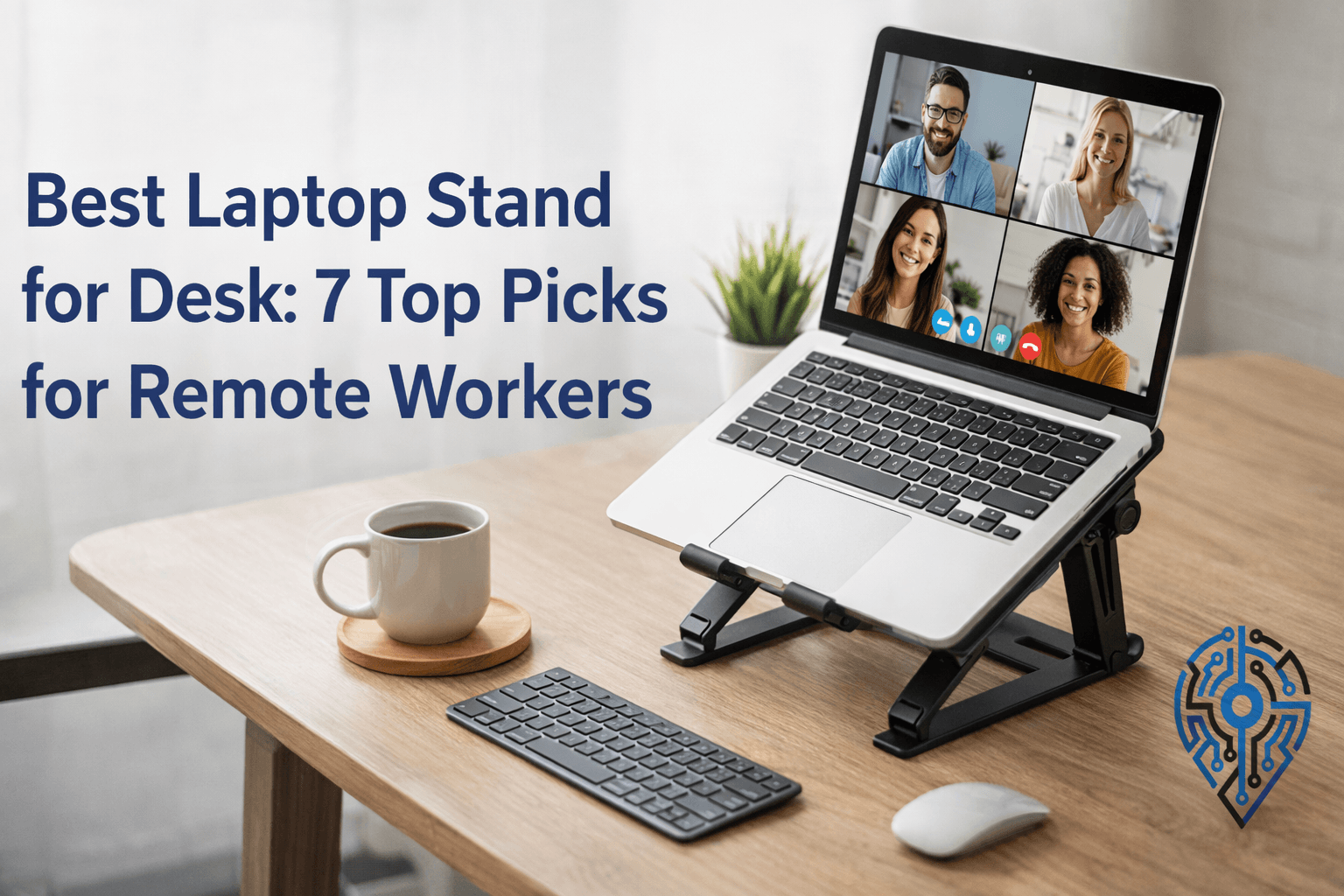
Working with your laptop flat on the desk is one of the most common mistakes remote workers make. It forces your head down, your shoulders forward, and your eyes below a comfortable viewing angle. After a few hours, you feel it. After a few months, it becomes a real problem.
A laptop stand solves this. But not all of them solve it equally. Some are excellent for a permanent desk setup. Others are built for people who move around. A few look good but create different ergonomic problems. This guide breaks all of that down based on real use, not just spec sheets.
Quick Comparison: The Best Laptop Stand for Desk
| Stand | Height | Adjustable | Portable | Best For |
|---|---|---|---|---|
| Rain Design mStand | 5.9″ | No | No | Fixed desk, Mac users |
| Roost V3 | 6–12″ | Yes (7 levels) | Yes | Travel, nomads |
| Twelve South Curve | 6″ | No | No | Aesthetics, airflow |
| Besign LS03 | 4.3–7.1″ | Yes (hex key) | No | Adjustable, stable |
| MOFT | ~2″ tilt | Yes (2 angles) | Yes | Typing angle, on-the-go |
| Nulaxy C3 | 7″ | No | Semi | Budget pick |
| Lamicall 360 | 6″ | No | No | Screen sharing, meetings |
Why Your Laptop Needs to Be Higher Than You Think
Most people underestimate how much screen height matters. When your laptop sits flat, your neck bends downward at roughly 45 degrees. That posture puts significant strain on the cervical spine, and it compounds over time. If you have already dealt with tech neck symptoms, a flat laptop is almost certainly part of the problem.
The target is simple: the top third of your screen should sit at roughly eye level, so you’re looking slightly downward without tilting your head. Most laptop stands raise your screen 5 to 7 inches, which is enough to hit that position for most people, depending on chair height.
One thing the specs don’t tell you: even a cheap 4-inch stand is dramatically better than no stand at all. The marginal gains between stands come from stability, cooling, and build quality, not the fundamental height benefit, which almost any stand provides.
What to Look for Before You Buy
Before comparing products, it helps to know what actually matters:
Fixed vs. adjustable height. Fixed stands are more stable. Adjustable stands give you flexibility, but can loosen over time. If you work at one desk all day, fixed is usually better. If you share a desk or sit at different heights, adjustable is worth it.
Aluminum vs. plastic. Aluminum pulls heat away from the bottom of your laptop, which helps with thermal performance during long work sessions. Plastic doesn’t. If you use a MacBook or any laptop that runs warm, aluminum is the better choice.
Portability. Fixed aluminum stands weigh anywhere from 2 to 3 pounds and are not practical to carry. If you move between home, a coworking space, or travel regularly, you need something that collapses or folds flat.
Pairing with external peripherals. Any stand that raises your laptop to eye level means you can no longer comfortably type on it. Budget for an external keyboard and mouse at the same time. The standalone is not a complete ergonomic fix.
The 7 Best Laptop Stands for Desk Use
1. Rain Design mStand — Best Overall for a Fixed Desk
The Rain Design mStand has been around for years and remains the most recommended fixed desk stand for a reason. It is made from a single piece of sandblasted aluminum and functions as a passive heat sink, meaning it actively conducts heat away from your laptop base rather than trapping it underneath.
The 6-inch elevation hits eye level reliably for most standard desk and chair combinations. The footprint is compact, and the teardrop cutout at the back provides a natural cable pass-through that keeps things tidy.
What you do not get is any height adjustment. What you do get is a stand that feels permanent, never wobbles, and matches a MacBook’s finish almost exactly.
Best for: Remote workers with a dedicated home office desk who want a set-and-forget solution.
Worth knowing: The space under the stand is exactly the right size to slide a compact keyboard underneath when you disconnect and take your laptop with you. It is a small thing, but one you appreciate daily.
Limitation: Not adjustable, and too heavy to carry anywhere.
2. Roost V3 — Best for Remote Workers Who Move Around
The Roost V3 is the only stand that solves portability without compromising the ergonomic result. It collapses into something roughly the size of a thick pen, weighs under 6 ounces, and fits in any laptop bag side pocket.
It offers seven height settings, which is more than any other portable option. That range matters when you’re working at tables of different heights. What surprised most people who switch to it is how solid it feels despite being mostly high-strength plastic and glass fiber composite. There’s no flex when you’re typing, which is the main thing that lets down cheaper foldable stands.
The price is significantly higher than most alternatives. That is the trade-off, and it is an honest one: you are paying for engineering precision, not materials.
Best for: Remote workers who split time between home, offices, cafes, or travel regularly.
Limitation: Takes a short learning curve to open and close efficiently. The first few times feel fiddly.
3. Twelve South Curve — Best if You Care About Desk Aesthetics
The Twelve South Curve is a one-piece aluminum stand with a flowing arch design. It elevates the laptop 6 inches and leaves roughly 70% of the laptop base exposed to open air, which makes it one of the better options for passive cooling among fixed stands.
The reason it earns its own spot on this list rather than being written off as a “pretty but similar” version of the mStand is the airflow design. The open arch creates genuine convection underneath your laptop, which matters if you do video calls, rendering, or anything that pushes CPU usage for extended periods. The mStand conducts heat through aluminum contact. The Curve lets heat rise away from the device entirely.
It comes in matte black and white. If your desk has a clean, minimal aesthetic, this is the one that looks intentional rather than functional.
Best for: People who work from a tidy home office and want the stand to look like part of the setup, not an afterthought.
Limitation: Fixed height, does not fold.
4. Besign LS03 — Best Adjustable Stand for a Permanent Desk
The Besign LS03 is the answer for anyone who wants aluminum build quality with height flexibility. It adjusts from 4.3 to 7.1 inches using a hex key, which means adjustments are not something you do on the fly, but the range covers nearly everyone’s needs.
The reason the hex key design is actually an advantage is that once you find your correct height, the stand stays there permanently. There’s no risk of accidental height changes, no loosening over time, and no wobble. Stands with tool-free adjustment mechanisms almost always develop play in the joints after several months of use.
It supports up to 11 pounds, which covers every consumer laptop, including 16-inch MacBooks and large Windows workstation laptops.
Best for: Shared desks where two people of different heights use the same setup, or anyone who wants adjustability without sacrificing stability.
Limitation: You need the included hex key to change the height. If you lose it, you are locked in.
5. MOFT Adhesive Stand — Best for Minimal Setups and Typing Angle
The MOFT is a different product solving a different problem. It sticks to the bottom of your laptop and creates two tilt angles: a shallow angle for typing comfort and a steeper angle for a slightly better screen position.
It does not raise your screen to eye level. If you are working with an external monitor or doing occasional work at a café table without a full ergonomic setup, it helps. If you are trying to fix neck posture during full workdays, it is not enough on its own.
Where it genuinely earns its place: wrist comfort while typing directly on the laptop. The tilt reduces ulnar deviation (the outward bend at the wrist when typing flat), which is a real and underrated contributor to wrist pain from long typing sessions.
Best for: People who work on the go and can’t always bring an external keyboard. Useful as a secondary solution for a primary desk setup that already uses a monitor.
Limitation: Does not bring the screen to eye level. Adhesive degrades over several years.
6. Nulaxy C3 — Best Budget Pick That Doesn’t Feel Cheap
The Nulaxy C3 is made from 5mm thick aluminum alloy and raises the laptop 7 inches, which is actually higher than the mStand. At well under $30, it offers the best value-to-performance ratio on this list.
The stand disassembles into three pieces, which makes it more portable than fixed stands without reaching the weight class of something like the Roost. It is not designed for daily carry, but it makes sense for someone who occasionally moves their setup between rooms or keeps one at a second location.
The main real-world complaint is that the edges on earlier batches were slightly sharp. This is worth checking on your specific unit; a quick pass with fine sandpaper fixes it immediately if needed.
Best for: First-time stand buyers who want to understand whether they’ll actually use one before spending more. Also great as a second stand for a secondary workspace.
Limitation: No height adjustment once assembled. Some edge finishing issues on certain units.
7. Lamicall 360 Rotating Stand — Best for Teams and Frequent Screen Sharing
The Lamicall rotating stand is the most niche pick on this list, but genuinely useful for the right person. The base swivels a full 360 degrees, so you can rotate your laptop toward a coworker or meeting participant without picking it up.
If you work in a home office that doubles as a meeting room, have clients visit, or work at a shared desk where you often physically turn the screen toward someone else, the rotation mechanism adds real daily value. The aluminum build is solid, and the cable routing cutouts prevent the rotating base from creating a cable tangle.
Best for: Remote workers who have in-person meetings at their desk, or creative professionals who regularly show work to collaborators.
Limitation: The rotating base adds a small amount of height that may not suit every setup. Not designed for travel.
How to Match the Right Stand to Your Setup
You have a dedicated home office desk and don’t move your laptop: Rain Design mStand or Twelve South Curve. Add an ergonomic mouse pad and external keyboard to complete the setup.
You split time between home and other locations: Roost V3. It is expensive, but you will use it every day, and the ergonomic benefit does not disappear when you leave your desk.
You want an adjustable height without sacrificing stability: Besign LS03. Set your height once and leave it there.
You’re on a budget and want to try before committing to an expensive option: Nulaxy C3. It will do everything you need it to.
You work on the go and type directly on your laptop: MOFT. Not a full posture fix, but a meaningful improvement to wrist angle.
The Complete Ergonomic Picture
A laptop stand raises your screen, but it is only one part of a proper ergonomic desk setup. The three things that need to work together are screen height, keyboard position, and chair height.
When you elevate your laptop and use an external keyboard, your keyboard should sit at a height where your elbows form roughly a 90-degree angle. If your chair is too low or too high, that changes the required keyboard position. Most people find that this requires some fine-tuning the first time they set it up properly.
If neck and upper back tension is already a problem, it is worth reading about tech neck exercises alongside the hardware changes. The stand fixes the ongoing cause. The exercises help address what has already accumulated.
Eye distance also matters. Screen brightness settings affect how much your eyes work at any given distance. If you are adjusting your screen height for the first time, it is worth reviewing your monitor brightness and contrast settings at the same time.
Frequently Asked Questions
What is the best ergonomic laptop stand for a desk?
The Rain Design mStand is the top pick for a fixed desk setup, since its single-piece aluminum build doubles as a passive heat sink and reliably hits eye level for most standard desk and chair combinations. Pair it with an external keyboard and mouse, since raising the laptop means you can no longer type on it directly.
What is the best adjustable laptop stand?
The Besign LS03 is the strongest adjustable option, with a range of 4.3 to 7.1 inches set via a hex key. That locking mechanism is actually an advantage: once you find your height, it stays put with no wobble or drift, which is common in stands with tool-free adjustment after months of use.
Do I need an external keyboard and mouse with a laptop stand?
Yes. Any stand that raises your laptop to eye level puts the built-in keyboard out of a comfortable typing position, so a laptop stand alone isn’t a complete ergonomic fix. Budget for an external keyboard and mouse at the same time, or the stand ends up creating a new strain problem while solving the neck one.
How high should a laptop stand raise my screen?
Aim for the top third of your screen at roughly eye level, so you’re looking slightly downward without tilting your head forward. Most stands raise the laptop 5 to 7 inches, which is enough for most people depending on chair height, and even a basic 4-inch stand is dramatically better than working with the laptop flat on the desk.
Final Take
Any of these stands will improve your posture if you pair them with an external keyboard and mouse. The difference between spending $25 and $100 is mostly about portability, adjustability, and build finish. It is not about whether they work.
If you are buying your first stand, the Nulaxy C3 is the lowest-risk choice. If you are setting up a permanent home office, the Rain Design mStand is worth the extra spend. If you travel and want to protect your posture everywhere you work, the Roost V3 is genuinely worth the price.
The real cost of not using a stand is not just discomfort. It is the cumulative strain on your neck and shoulders that tends to quietly worsen over months and years. A stand is a $25 to $100 purchase that directly affects how you feel at the end of every workday.