
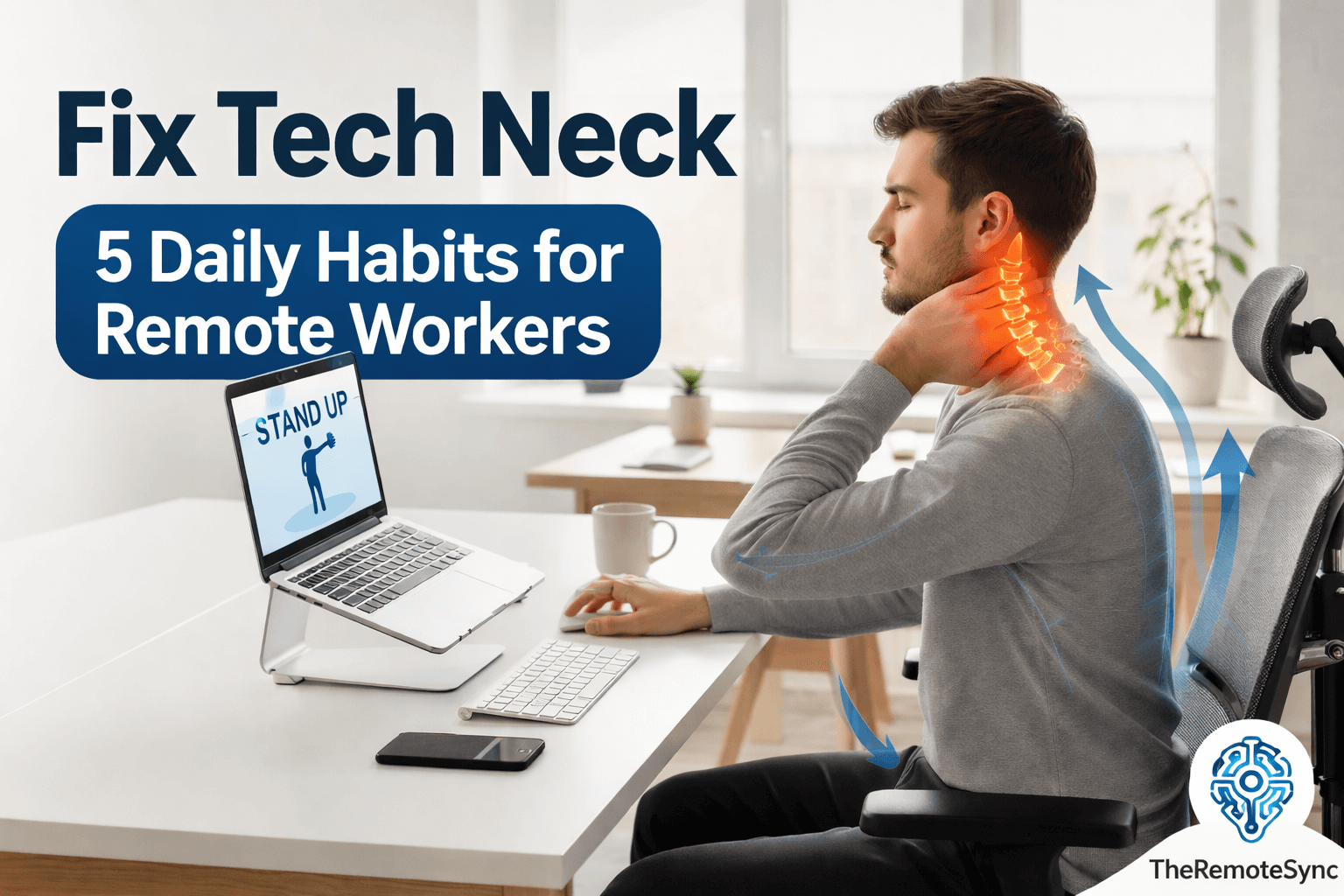
Remote work offers freedom, but it often comes with a physical cost. If you spend your day hunched over a laptop, you are likely familiar with the dull ache in your upper back and the stiffness in your neck.
This condition is commonly known as tech neck.
At TheRemoteSync, we focus on helping you maintain a high level of performance without sacrificing your physical health.
The good news is that you can take control of your comfort. By making small changes to how you work and move, you can address the root causes of desk-related pain.
What Is Tech Neck?
Before looking at solutions, it is important to understand what tech neck symptoms look like.
Tech neck is the result of holding your head in a forward position for a long time. When your head tilts forward, the weight on your cervical spine increases significantly.
Common Tech Neck Symptoms
- Neck pain from sitting at desk: This is usually a sharp or dull ache that gets worse as the day goes on.
- Tech neck hump: This refers to the visible curve or bump at the base of the neck caused by chronic slouching.
- Tech neck lines and tech neck wrinkles: These are horizontal creases that form on the skin of the neck due to repeated folding while looking down.
- Remote work fatigue: Poor posture restricts your breathing and blood flow, making you feel more tired than usual.
Many people ask, is tech neck permanent? Fortunately, the answer is usually no.
In most cases, can tech neck be reversed? Yes, provided you catch it early and change your habits.
Habit 1: Optimize Your Ergonomic Workstation Setup
The way your desk is arranged dictates your posture. You cannot fix your neck if your environment forces you to slouch. A proper ergonomic workstation setup is the foundation of recovery.
The Eye-Level Rule
Your screen should always be at your eye level. If you work from a laptop, the screen is too low by default. This forces you into a “looking down” position, which is where remote working causes tech neck.
- Use a laptop stand: Elevating your device ensures you look straight ahead.
- External peripherals: Once the laptop is raised, use an external keyboard and mouse to keep your shoulders relaxed.
Invest in the Best Chair for Tech Neck
A good chair supports the natural “S” curve of your spine. Look for a chair with adjustable lumbar support and headrests.
If you cannot buy a new chair, a small pillow for neck and shoulder pain can provide temporary relief by filling the gap behind your neck during breaks.
Habit 2: Perform Daily Tech Neck Exercises
To fix the structural issues, you must strengthen the muscles that have become weak. Using exercises for tech neck daily can help pull your head back into its natural alignment.
The Chin Tuck
This is one of the most effective forward head posture exercises.
- How to do it: Sit tall and look straight ahead. Gently pull your chin straight back, as if making a double chin. Do not tilt your head down.
- Benefit: This helps with cervical spine alignment for desk workers by strengthening the deep neck flexors.
Shoulder Blade Squeezes
Remote work often causes rounded shoulders.
- How to do it: Imagine there is a pencil between your shoulder blades and try to pinch it. Hold for five seconds.
- Benefit: This opens up the chest and counters the “hunch” position.
Habit 3: Master the Best Sitting Posture
Even with a great chair, you have to consciously choose the best sitting posture. Many remote workers tend to lean toward the screen as they focus.
The 90-90-90 Rule
- Elbows: Should be at a 90-degree angle, resting close to your body.
- Hips: Should be at a 90-degree angle in the chair.
- Knees: Should be at a 90-degree angle with feet flat on the floor.
Consistent alignment is how you answer the question of how to get rid of tech neck long-term. It prevents the constant strain that leads to remote working causes neck pain.
Habit 4: Implement a Daily Mobility Routine for Home Office
Static positions are the enemy of spinal health. You need to move to keep your joints lubricated. A daily mobility routine for home office does not have to be long; it just needs to be frequent.
The 20-20-20-2 Rule
Every 20 minutes, look 20 feet away for 20 seconds. Add a “2” to this: spend 2 minutes standing or doing tech neck stretches.
- Neck Tilts: Gently move your ear toward your shoulder on each side.
- Chest Openers: Stand in a doorway and place your arms on the frame to stretch the front of your shoulders.
These best stretches for remote developers and creators help reduce the tension that builds up during deep work sessions.
Habit 5: Use Digital Tools to Track Progress
It is easy to forget your posture when you are busy. At TheRemoteSync, we recommend using the tools you already use for work to help your health.
The Notion Posture Tracker
You can create a simple Notion posture tracker to log your pain levels and daily exercise completion.
- Track pain location: Keep a note of your tech neck pain location to see if it moves or lessens over time.
- Habit checkboxes: Mark off when you have completed your neck exercises for tech neck.
Using a tracker helps you see how long does it take to fix tech neck for your specific body. For some, relief starts in days. For others with a significant tech neck hump, it may take weeks of consistency.
Can You Get Rid of Tech Neck Lines Naturally?
Many people worry about the aesthetic side, specifically how to fix tech neck lines or how to get rid of tech neck lines naturally. These wrinkles are caused by the skin being compressed.
While creams can help the skin, the only way to stop them from deepening is to address the posture. By improving your cervical spine alignment, you stop the repeated folding of the skin.
Conclusion
Learning how to fix tech neck is a vital skill for any modern professional. Remote work should improve your life, not cause chronic pain.
By combining an ergonomic workstation setup with daily mobility routines, you can protect your spine and maintain your focus.
Remember, can tech neck be reversed? Yes, but it requires you to be the lead engineer of your own body. Start with one habit today, like raising your monitor, and build from there.
Ready to optimize your health? Check out our recommended list of the best pillows for tech neck!