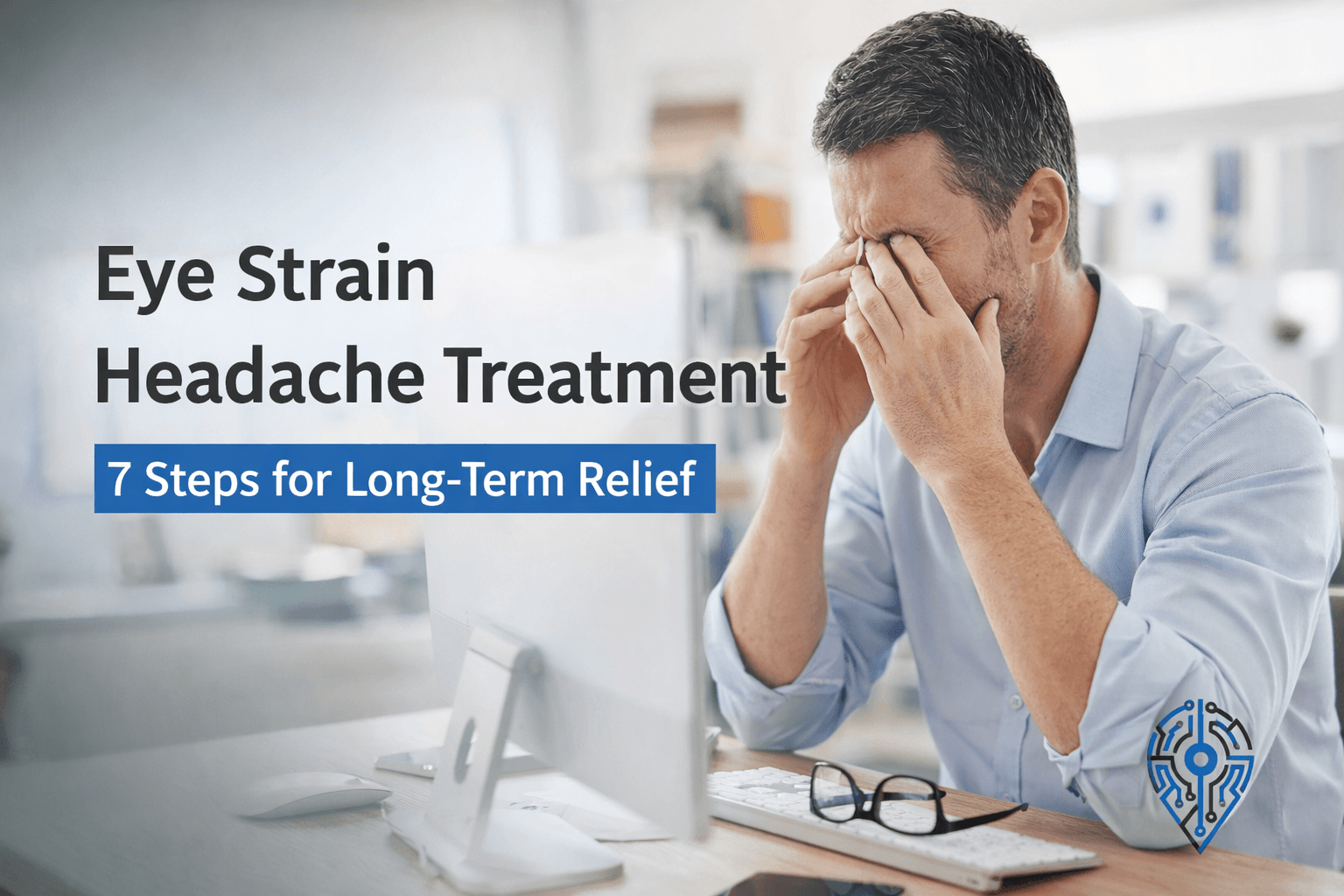
If you end most workdays with a dull ache behind your eyes, pressure across your forehead, and a mild but persistent urge to close your laptop and lie in a dark room, that is not a coincidence.
That is a predictable result of how most remote workers are set up.
The problem is not willpower or screen time alone. It is a combination of the wrong monitor settings, poor lighting, a near-total lack of real visual breaks, and, in many cases, an outdated glasses prescription quietly making everything worse.
The fixes are not complicated. But you have to address the whole picture, not just one piece of it.
What Is an Eye Strain Headache, and Why Is It Different From Other Headaches?
An eye strain headache comes from sustained muscular effort inside and around your eyes. The tiny muscles that control your lens (the ciliary muscles) hold a fixed focus for hours. Your eyelids blink a third less than normal when you are concentrating on a screen. The muscles around your eyes and forehead tighten.
Eventually, the fatigue radiates outward into a headache and strained eyes.
What makes it distinct:
- It builds during the day and is usually worst in the afternoon or evening
- It feels like dull pressure, not a sharp or throbbing pain
- It is centered behind the eyes, across the forehead, or sometimes at the base of the skull
- It is not there when you wake up
- It clears up within an hour or two of genuinely resting your eyes
If your headache is present at the start of the day, wakes you from sleep, comes with nausea, or is one-sided and throbbing, that is not eye strain. Those patterns point to migraines, tension headaches from other causes, or conditions that need medical evaluation.
Why Remote Workers Get It Worse
Home offices create a specific set of conditions that make eye strain more likely than a traditional office environment.
Laptop screens are almost always positioned too low, which means you are looking slightly downward at a close target all day. Natural light from windows hits your screen at unpredictable angles depending on the time of day. Most home office desks were not designed around ergonomics.
A 2024 meta-analysis covering over 66,000 participants found that computer vision syndrome now affects roughly 69% of digital device users globally. Remote workers tend to sit at the higher end of that risk range due to longer uninterrupted sessions and inconsistent workspace setups.
The specific mechanics worth understanding:
Reduced blink rate. Concentration cuts your blink rate significantly. Blinking is what spreads the tear film across your cornea. Less blinking means faster drying, and dry eyes make focusing progressively harder and more fatiguing throughout the day.
Fixed focal distance. Your eye muscles are designed to shift focus constantly between near and far. Holding a single distance for hours fatigues them in the same way your leg muscles fatigue when you hold a squat. The 20-to-28-inch range of most screens is a particularly demanding fixed position.
Unmanaged screen brightness. A monitor that is noticeably brighter than the surrounding room is essentially a light source you are staring at. Your pupils work harder to compensate, and that effort accumulates.
Posture feeding into headache and strained eyes. When your screen is too low or too close, you lean forward. That forward lean creates tension in your neck and upper back, which frequently combines with eye muscle fatigue to produce a headache that feels indistinguishable from a “pure” eye strain headache. Separating the two causes matters for treatment.
Eye Strain Headache Treatment: 7 Steps for Long-Term Relief
These steps are ordered by how much impact most people experience and how quickly each one takes effect. You do not need all seven on day one. But the more you implement together, the faster your symptoms resolve.
Step 1: Build the 20-20-20 Rule Into Your Actual Workflow
The 20-20-20 rule is clinically validated and the most important habit change in this list. Every 20 minutes, shift your gaze to something at least 20 feet away for at least 20 seconds.
Twenty seconds is the minimum time your ciliary muscles need to fully relax from near-focus mode. A two-second glance at the wall does not count.
The reason most people fail at this is not that they forget — it is that they do not structure it. A phone timer works. A browser extension like Stretchly or Time Out works. What does not work is telling yourself you will do it naturally without a trigger.
One practical approach: use the Pomodoro method, which already builds in a 5-minute break every 25 minutes. During that break, stand up and look out a window, not at your phone. Your phone screen is still a near-focus task.
The 20-20-20 rule addresses the root muscular cause of eye strain headaches. Everything else in this list reduces the load. This one resets it.
Step 2: Fix Your Monitor Settings — Most Are Wrong Out of the Box
Factory monitor settings are calibrated for showroom brightness, not home office use. If your screen looks clearly brighter than the walls around it, it is probably too bright, and your pupils are doing unnecessary work all day.
Brightness: Match it to your room. The screen should feel like it belongs in the space, not like it is emitting light at you. This single change makes a noticeable difference within hours.
Color temperature: Enable your monitor’s warm-color mode or use a tool like f.lux if your monitor does not have one built in. Cooler (blue-white) light is harder on your eyes during extended sessions, particularly in the afternoon when fatigue is already setting in.
Text size: Increase it beyond what feels necessary. Smaller text forces your eyes to strain just to resolve the characters. This is especially common in code editors and spreadsheets, where developers and analysts tend to cram as much onto the screen as possible.
Dark mode vs. light mode: Dark mode reduces glare and works well in dim rooms. In a brightly lit space, the contrast between white text and a dark background can actually cause your pupils to dilate more, making focus harder. Light mode with reduced brightness is better during daylight hours. The detailed breakdown of the best computer monitor settings for eye strain is worth reading if you want to dial this in precisely.
Step 3: Fix Your Lighting Before Buying New Equipment
Screen-related purchases get a lot of attention, but the lighting in your room has just as much impact on eye fatigue and costs nothing to change.
The core problem: a bright screen in a dim room forces your visual system to constantly reconcile two very different light levels. That effort accumulates.
What to actually change:
- If you are near a window, position your monitor perpendicular to it, not facing it and not with the window directly behind the screen. Window glare directly on your display is one of the worst culprits for daily headaches.
- Avoid overhead fluorescent lighting directly above your desk. It creates glare on screens and flickers at frequencies that your eyes detect subconsciously.
- Add indirect light behind or beside your monitor so the room’s ambient light comes closer to matching your screen brightness. A simple bias light (a lamp or LED strip behind your monitor) costs very little and immediately reduces the contrast your eyes are managing.
No equipment upgrade solves the problem if your room lighting is working against you.
Step 4: Treat Dry Eyes as a Cause, Not Just a Symptom
Most remote workers experiencing eye strain headaches also have dry eyes, and they treat dryness as a side effect rather than as something actively worsening the headache.
When your tear film breaks down, your eyes spend energy trying to re-establish focus through a compromised lens. That extra effort contributes directly to fatigue and headache.
Deliberate blinking helps — specifically, full blinks where your eyelids close completely. Many people in focused screen work do incomplete blinks without realizing it.
Preservative-free artificial tears are worth using if your eyes feel gritty, burning, or tired by midday. The preservative-free format matters if you use them more than three or four times a day, as the preservatives in standard drops can irritate the eye surface over time.
Avoid redness-relief drops (the ones with vasoconstrictors). They provide temporary visual relief but worsen the underlying dryness with regular use.
If you work in an air-conditioned space during summer or a heated one during winter, indoor humidity is often below 40%. A small humidifier near your desk is a practical and underrated fix.
Step 5: Position Your Screen Correctly — Most Setups Are Off
Correct positioning eliminates the postural component of eye strain headaches. That component is larger than most people expect.
The correct setup:
- Distance: 20 to 28 inches from your face, roughly arm’s length
- Height: Top of the screen at or just below eye level, so your natural gaze angles slightly downward
- Angle: Screen roughly vertical, or tilted very slightly back, not toward you
- Glare check: At the end of your workday, turn your monitor off while your room is still lit. Any reflections you see on the dark screen are sources of glare you are managing all da,y without knowing it
If you are on a laptop, the screen is almost certainly too low. Laptop screens positioned flat on a desk force you to look down at a steep angle, which compresses your neck and adds a significant postural load to any eye fatigue you are already experiencing.
Using a laptop stand to raise the screen to eye level, paired with an external keyboard and mouse, solves this. It is one of the highest-impact, lowest-cost changes you can make to a home office setup.
If you are dealing with persistent neck and shoulder tension alongside your headaches, that tension is usually amplifying the eye strain pain. Tech neck exercises can help address the muscular component that compounds with eye fatigue.
Step 6: Make Your Breaks Actually Count
Taking breaks from screen work and taking real breaks are not the same thing.
A break where you check your phone, eat lunch while watching a video, or step away from one screen to look at another does not rest your visual system. Your ciliary muscles are still contracting at a near focal distance.
A real break for eye strain headache relief means:
- Moving away from all screens
- Looking at varying distances, preferably outside
- Letting your gaze shift naturally rather than fixing it on any single point
The full-body benefit matters too. Long periods of near-focus concentration tighten your neck, upper trapezius, and the muscles at the base of your skull. Those directly influence headache intensity. Standing up, doing a few neck rolls or chin tucks, and moving your shoulders during breaks is not optional supplementary advice — it is part of treating the headache, not just the eyes.
Step 7: Consider Whether Your Prescription Is the Problem
If you have done the above consistently for two weeks and your headaches are still frequent, your vision prescription is the most likely remaining cause.
An outdated prescription means your eyes are continuously compensating for blur by straining harder to resolve the image. That strain is invisible to you — it feels like effort, not blur — and it accumulates into a headache that does not respond to anything else on this list.
Computer glasses are designed for the 20 to 26-inch intermediate range used at screens. Standard reading glasses focus closer; standard distance glasses focus further. Neither is optimized for screen work. If you are already wearing glasses but still symptomatic, mention computer-specific lenses to your optometrist.
Blue light-blocking glasses are debated in the research. They do not appear to prevent digital eye strain by themselves. However, many people find them more comfortable than regular lenses during screen work, likely because of the anti-reflective coating that typically comes with them, rather than the blue light filtering specifically. Worth trying if you are already replacing your lenses. Not worth buying as a first-line treatment. A detailed review of computer glasses for eye strain covers the options if you are weighing them.
How to Get Relief When the Headache and Strained Eyes Are Already There
You cannot treat an active eye strain headache while still at the screen. Step one is always to stop.
Once you are away from the display:
Close your eyes and use palming. Cup your palms over your closed eyes to block out light completely. Stay there for 5 to 10 minutes. This is not a relaxation technique — it actively reduces the light stimulation your retinas are processing and lets the muscles around your eyes release tension.
Use a warm compress. A warm (not hot) cloth placed over closed eyes for a few minutes relaxes the muscles around your eye sockets. It also helps if meibomian gland dysfunction (a common contributor to dry eyes) is part of your problem.
Hydrate. Mild dehydration amplifies headache intensity. Drink a full glass of water before reaching for a pain reliever.
Use artificial tears if your eyes are dry or gritty. Dry eyes at the point of headache onset extend recovery time.
OTC pain relief (ibuprofen or acetaminophen) can bridge the gap when the headache is significant, but treat it as a bridge, not a solution. If you are reaching for it daily, that is a signal that your underlying setup is not fixed.
Most eye strain and headaches clear within 30 to 60 minutes using this approach. If yours consistently takes longer, or if the headache is still present when you start work the next morning, that is worth discussing with an optometrist or general practitioner.
When to See a Doctor
Most eye strain headaches are self-resolving once the underlying causes are addressed. But some situations need professional evaluation.
See an eye doctor if:
- Symptoms do not improve after two weeks of consistent habit changes
- You have blurred vision, double vision, or persistent visual disturbances
- The headaches are present when you wake up
Seek urgent care if you experience sudden, severe eye pain, a sudden change in vision, seeing halos around lights, or a headache that is abruptly different from anything you have experienced before. These do not suggest eye strain — they suggest conditions that need immediate attention.
Frequently Asked Questions
Can eye strain headaches last for days?
Yes, if your screen habits do not change. The pattern is usually: headache builds during the day, partially resolves overnight, then returns within hours of going back to the screen. If it persists despite genuine rest, there may be an underlying vision correction issue.
Does dark mode actually help?
In dim conditions, yes. In a bright room, it can work against you. The right answer depends on your ambient light, not a blanket recommendation for one mode or the other.
Are blue light glasses worth buying?
Not as a first-line fix. The research on blue light and eye strain specifically is weak. The benefit most people experience from anti-reflective lenses is real, but you can get that coating without the blue light filter.
How is this different from a tension headache?
Eye strain headaches worsen with visual tasks and ease with visual rest. Tension headaches are more often related to stress, dehydration, or muscle tension, and do not consistently improve with eye rest alone. The two can coexist and often do in remote workers.
How to relieve eye strain headache?
Step away from all screens first, since you can’t treat an active eye strain headache while still looking at one. Close your eyes and cup your palms over them for 5 to 10 minutes to block out light completely, use a warm compress if your eyes feel dry or gritty, and drink a full glass of water since mild dehydration amplifies headache intensity. Most eye strain headaches clear within 30 to 60 minutes with this approach, and OTC pain relief can bridge the gap if needed, but treat it as a bridge, not a fix.
How to tell if a headache is from eye strain?
An eye strain headache builds gradually through the day, usually worst by afternoon or evening, and feels like dull pressure rather than sharp or throbbing pain, typically centered behind the eyes, across the forehead, or at the base of the skull. It’s not present when you wake up and eases within an hour or two of genuinely resting your eyes. A headache that’s there when you wake, comes with nausea, or feels one-sided and throbbing points to something else, like a migraine, and isn’t eye strain.
What is the best medicine to treat eye strain headaches?
OTC pain relief like ibuprofen or acetaminophen can help bridge an active headache, but it’s meant as a stopgap rather than a treatment. Reaching for medication daily is actually a signal that the underlying setup, monitor brightness, screen position, blink rate, hasn’t been fixed. Addressing those root causes resolves the headaches; medication just manages a single episode.
How long does an eye strain headache typically last?
Most clear within 30 to 60 minutes once you genuinely rest your eyes away from all screens. Without addressing the cause, the pattern often repeats: the headache builds during the day, partially resolves overnight, then returns within hours of going back to the screen. If it persists for days despite real rest, that points toward an underlying issue like an outdated glasses prescription rather than ordinary eye strain.
The Actual Issue With Eye Strain and Headache Treatment
Most remote workers try one thing — usually blue light glasses or dark mode — see partial results, and assume the problem is not fixable.
The real issue is that eye strain headaches in a remote work context almost always have multiple contributing factors running simultaneously. One change reduces the load. Several changes eliminate it.
Work through the list. The steps that matter most for most people are: the 20-20-20 rule done consistently, monitor brightness matched to room lighting, screen positioned at the correct height, and a current glasses prescription. Start there.