Most people ruin their monitor before they realize they’ve done anything wrong. The coating damage doesn’t show up as a dramatic crack; it shows up as a dull haze three months later that you can’t wipe off, no matter what you try. By then, the anti-glare layer is gone.
The good news: what is the best way to clean a computer monitor correctly is genuinely a simple process once you know what to avoid.
The bad news: almost everything you’d instinctively reach for is wrong.
What Actually Damages a Monitor Screen (And Why It Matters)
Modern monitors, whether IPS, VA, OLED, or matte, have multiple applied coatings on top of the panel itself. There’s typically an anti-reflective layer, sometimes an oleophobic (fingerprint-resistant) coating, and on matte screens, a textured diffusion layer. These coatings are what’s being damaged when people clean their screens incorrectly.
Ammonia and alcohol-based cleaners (like standard Windex) dissolve these coatings chemically. You won’t see it happen in real time, but repeated use breaks down the layer progressively. The result is a cloudy or splotchy screen that looks dirty even when it’s clean.
Paper towels and tissues feel soft to the touch, but they’re made from wood pulp fiber. At a microscopic level, they’re abrasive enough to leave micro-scratches across the panel surface. These scratches scatter light and make the screen look foggy under certain lighting angles.
Tap water is a surprisingly common mistake. It contains dissolved minerals like calcium and magnesium. When the water evaporates, those minerals stay behind as white streaks or residue, especially visible on dark backgrounds.
None of this damage is reversible. There’s no way to restore a stripped anti-glare coating at home.
The Only Tools You Actually Need
You don’t need a branded “screen cleaning kit.” Most of them are overpriced microfiber cloths with distilled water in a spray bottle. You can put that together yourself for a fraction of the cost.
Here’s what to have on hand:
- Microfiber cloth (clean, unused): The keyword here is clean. A microfiber cloth that’s been used to wipe down a desk or keyboard will have grit embedded in it. That grit will scratch your screen. Keep one cloth dedicated to your monitor only.
- Distilled water: Available at any grocery store for under $1. This is your primary cleaning solution for the panel itself.
- 70% isopropyl alcohol: Useful only for the plastic bezel (frame) around the screen, not the panel itself. Some manufacturers also allow it for the glass front panel on specific monitors, but check your manual first.
That’s it. A two-part kit. Anything more complicated than this is unnecessary for 95% of cleaning jobs.
Step-by-Step: How to Clean Your Monitor Without Causing Damage
Step 1: Turn Off the Monitor and Let It Cool
This isn’t just a safety precaution. A dark screen makes fingerprints, smudges, and dust far easier to see, so you can actually tell when you’ve cleaned a spot properly. A warm screen also causes moisture to evaporate faster, which increases the chance of streaks forming before you can buff them out.
Unplug the monitor if you want to be thorough. At minimum, power it off and wait a few minutes.
Step 2: Dry Wipe First
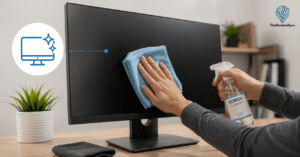
Before any moisture touches the screen, do a dry pass with your microfiber cloth. Use light, straight strokes from top to bottom.
This matters because loose dust particles are abrasive. If you go straight to a damp wipe over a dusty screen, you’re essentially dragging grit across the surface. The dry pass removes that risk first.
Don’t press. The weight of the cloth itself is enough pressure.
Step 3: Damp Wipe for Smudges and Fingerprints
For stubborn fingerprints or oily smudges, lightly dampen one corner of your microfiber cloth with distilled water. “Lightly” means the cloth should feel barely damp, not wet. You shouldn’t be able to wring water out of it.
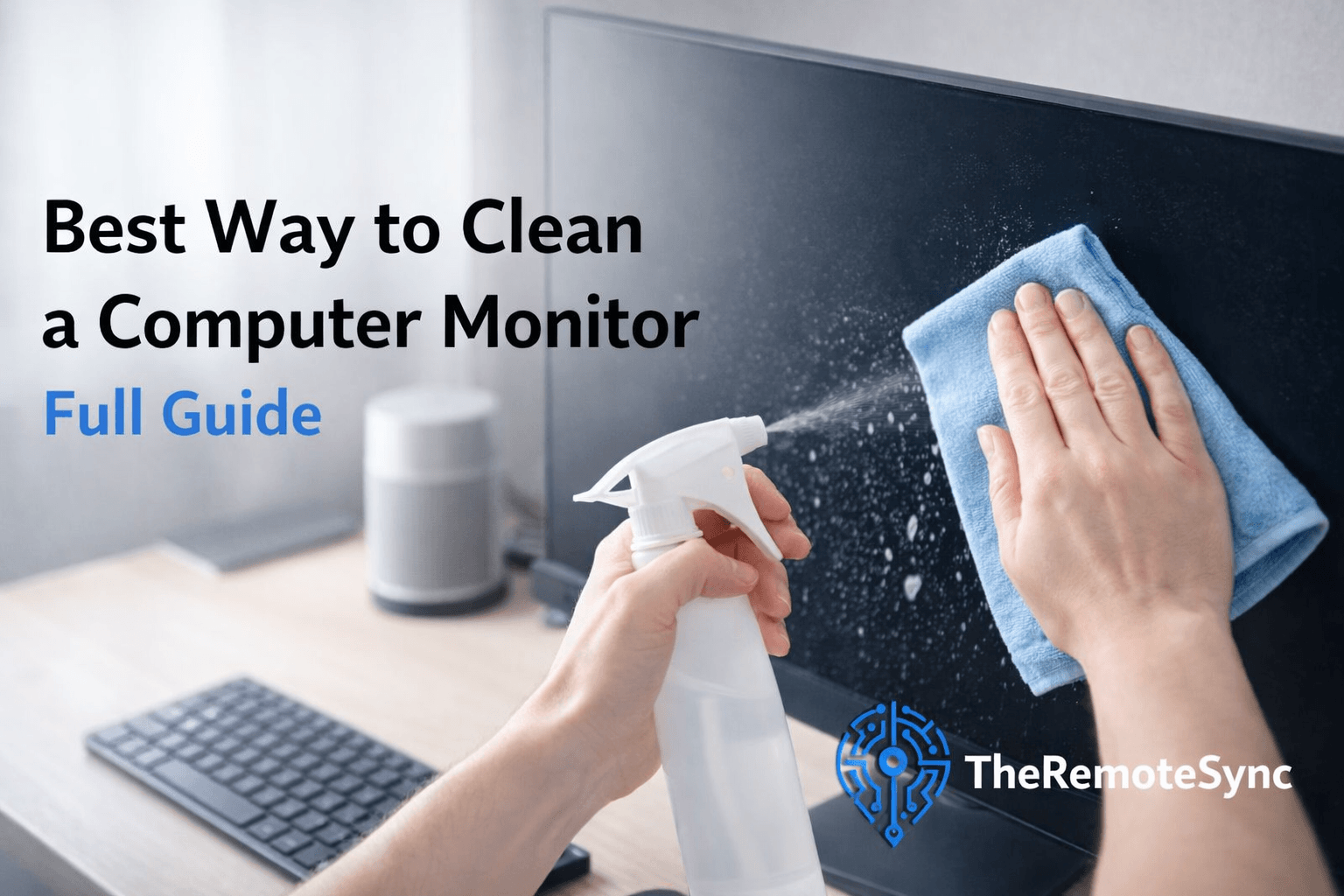
Never spray anything directly onto the screen. Liquid can run down into the bezel gap at the bottom of the panel and get into the internal components. It doesn’t take much to cause a short. Spray the cloth, not the monitor.
Wipe in straight horizontal strokes. Circular motions can push oils back into areas you’ve already cleaned.
Step 4: Immediately Buff Dry
Don’t let the screen air dry after a damp wipe. Use a dry section of the same cloth to buff over the damp area right away. This prevents any mineral residue from distilled water (minimal, but possible) from drying on the surface and leaving faint marks.
Matte vs. Glossy vs. OLED: Where the Rules Change
The steps above apply to all screen types, but there are a few specific things worth knowing based on what you’re working with.
Matte screens have a physical texture built into the surface to diffuse reflections. If you scrub too hard or use any kind of alcohol on the panel, you can “polish” sections of that texture smooth, creating permanent shiny patches on an otherwise matte finish. These show up as distracting glossy spots. Very light pressure is critical on matte panels.
Glossy screens (common on iMacs and some consumer monitors) often have a glass front layer with an oleophobic coating. The coating helps resist fingerprints. Alcohol will strip that coating. Once it’s gone, fingerprints become harder to remove, and the glass feels tackier to the touch.
OLED panels are the most fragile of the three. The organic pixel material is sensitive to both pressure and moisture. Use the absolute minimum pressure possible, and make sure your cloth is only barely damp, never wet. If you own the best OLED computer monitor, keep a dedicated, always-clean microfiber cloth nearby and clean it more frequently with less effort each time, rather than waiting and doing a big scrub.
Cleaning a Monitor With a Privacy Screen or Blue Light Filter Attached
A lot of remote workers add a privacy filter or blue light filter on top of their monitor, and cleaning instructions change once there’s a film between you and the actual panel.
The film itself, not the underlying screen, is what you’re cleaning day to day, and it’s generally more forgiving than a bare coated panel. Most privacy and blue light filters use a harder, more scratch-resistant plastic or glass surface specifically because they’re designed to take the wear so the panel underneath doesn’t have to. The same dry-wipe-first, distilled-water-if-needed process still applies, but you have somewhat more margin for error than you would cleaning an OLED or matte coating directly.
The part people miss is the edges. Adhesive strips or clip-on frames that hold the filter in place trap dust and oil at the border between the filter and the bezel, and that grime works its way toward the center of the screen over time if it’s never addressed. Run a dry microfiber cloth along the full perimeter of the filter, not just the visible display area, every time you do a routine clean.
If you notice a haze that a normal clean won’t remove, check whether it’s on the filter or the panel underneath before assuming coating damage. Most filters can be removed for a proper two-sided clean, or replaced outright, which is a much cheaper fix than a genuinely damaged panel coating.
Cleaning Multi-Monitor and Ultrawide Setups
Dual and ultrawide setups create a cleaning problem single monitors don’t have: the gap between screens, or the curve of the panel itself.
On a dual-monitor setup, dust and skin oils accumulate in the narrow seam where two monitors sit close together, an area most people never wipe because it’s awkward to reach. That buildup eventually migrates onto the panel edges when you adjust monitor position or lean past one screen to reach the other. Wipe that seam area with a dry microfiber cloth folded into a narrow edge every time you clean either screen, not just the panels themselves.
Curved and ultrawide monitors present a different challenge: the curve makes straight top-to-bottom strokes harder to execute cleanly, since your cloth naturally wants to lift off the surface at the edges of the curve. Use shorter, overlapping strokes that follow the curve’s contour rather than trying to drag the cloth in one long pass corner to corner. Applying even pressure is also trickier on a curved panel, the center of the curve gets more natural contact than the edges, so the edges need deliberate, separate attention rather than assuming one pass covers the whole surface evenly.
If you’re running two monitors of different panel types, say, an OLED ultrawide paired with a secondary IPS monitor, clean each according to its own panel type’s rules rather than treating the setup as one uniform surface. The IPS panel can handle a firmer wipe; the OLED panel needs the gentler approach covered in our OLED monitor cleaning guide.
How Often Should You Actually Clean Your Monitor?
Most people either never clean their monitor or clean it too aggressively when it gets bad enough to bother them. Neither approach is ideal.
A light dry wipe once a week takes about 20 seconds and prevents oils from building up and bonding to the surface. The longer a fingerprint sits, the harder it becomes to remove without extra moisture.
A damp wipe is only needed when dry wiping doesn’t remove the smudge. For most remote workers, that’s realistically every two to four weeks.
If you’re cleaning your screen more often than that, consider where the oils and dust are coming from. Eating at your desk, touching the screen while pointing at something, or being in a dusty room environment will all accelerate the buildup.
One Thing That’s Often Overlooked: The Bezel and Stand
The plastic frame around the screen gets ignored in most cleaning guides. Dust and oils accumulate there too, and over time can transfer back onto the panel. A slightly damp cloth with a small amount of isopropyl alcohol on the bezel (not the panel) is fine and will remove grime that distilled water alone won’t touch.
Don’t use the same cloth section you used on the panel. Wipe the bezel separately, and if you’re using alcohol, keep it well away from the screen surface itself.
If Eye Strain Is Still a Problem After Cleaning
A smudged screen does contribute to eye strain because your eyes are constantly trying to compensate for the visual noise. But if you’ve cleaned your monitor and your eyes are still fatigued at the end of a workday, the screen itself might be the issue.
Flicker, low refresh rate, and poor color calibration all contribute to eye fatigue in ways that cleaning won’t fix. Our guide on best computer monitor settings for eyes covers brightness, contrast, and color temperature settings that make a measurable difference for long work sessions. And if your current display is genuinely making your eyes work harder than they should, the best computer monitor for eye strain roundup covers what to look for when it’s time to upgrade.
FAQs
Can I use Windex on my monitor?
No. Standard Windex contains ammonia, which strips anti-reflective coatings. Even ammonia-free Windex has detergents that leave residue. Distilled water is safer and more effective.
What about pre-moistened screen wipes?
Check the label before using any. Many marketed as “screen safe” still contain alcohol concentrations that aren’t suitable for coated panels. If the wipe is safe, it will say so explicitly and list the ingredients. If it just says “screen wipe” without specifying, skip it.
Can I use a T-shirt if I don’t have a microfiber cloth?
A clean, lint-free cotton cloth is better than paper towels, but still not ideal. Cotton fibers are coarser than microfiber and more likely to leave lint. If it’s the only option available in the moment, it won’t destroy your screen, but it’s not something to make a habit of.
My screen still looks hazy after cleaning. What went wrong?
If a haze appeared after cleaning (rather than before), the most likely cause is a stripped coating from a previous cleaning with an incorrect product, or tap water mineral deposits that have dried on the surface. Unfortunately, coating damage is permanent. Mineral deposits can sometimes be removed with a very lightly dampened distilled water wipe, followed by an immediate dry buff.
How to clean a computer monitor screen?
Turn the monitor off and let it cool, then dry wipe first with a clean microfiber cloth using light, straight strokes from top to bottom. If smudges remain, lightly dampen one corner of the cloth with distilled water, wipe in straight horizontal strokes, and immediately buff the area dry with a dry section of the same cloth. Never spray liquid directly onto the screen.
Can I use water to clean my monitor?
Use distilled water only, not tap water. Tap water contains dissolved minerals like calcium and magnesium that leave white streaks or residue behind once it evaporates, especially visible on dark backgrounds. Distilled water is cheap and widely available, and it’s the safer choice for the panel itself.
Is it okay to use alcohol wipes on a monitor?
Not on the panel itself. Alcohol strips the anti-reflective and oleophobic coatings that most modern monitors have, and that damage is permanent and won’t come off with more cleaning. Isopropyl alcohol is fine for the plastic bezel around the screen, but keep it away from the panel, and check your specific monitor’s manual if you’re unsure.
The Short Version
Turn the monitor off. Dry wipe first with a dedicated microfiber cloth. If smudges remain, use a barely-damp cloth with distilled water. Buff dry immediately. Never spray liquid on the screen. Never use Windex, alcohol on the panel, paper towels, or tap water.
That’s genuinely all there is to it.