
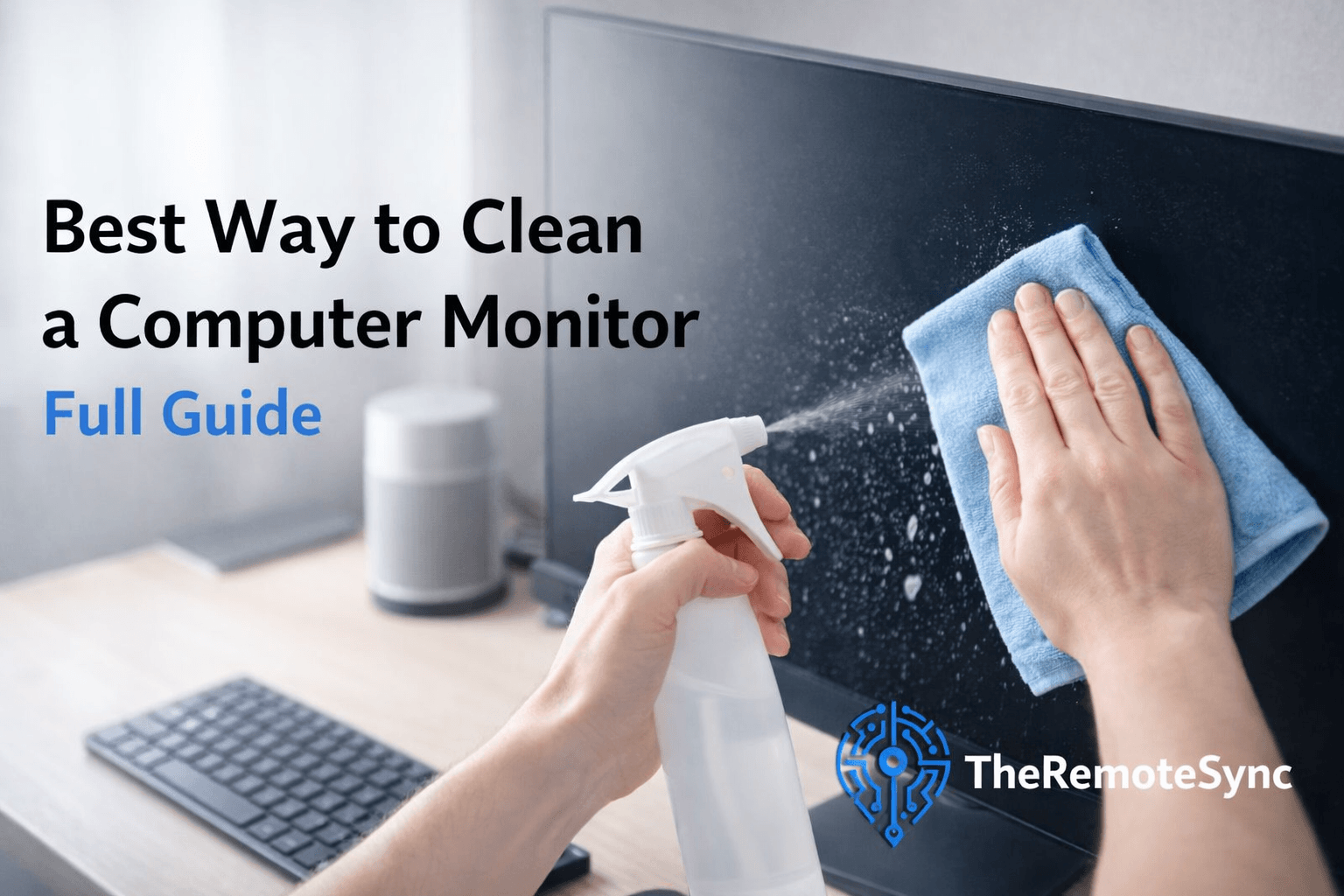
Maintaining a clean workspace is about more than just looks.
For any remote worker, a smudge on the screen is a distraction that breaks focus.
If you want to know what is the best way to clean a computer monitor, you need to prioritize safety for your tech.
Modern screens have delicate coatings. One wrong move with a harsh chemical can cause permanent damage.
This guide at TheRemoteSync provides a clear path to a spotless screen. We focus on methods that protect your hardware while improving your daily remote work experience.
The Problem with Common Household Cleaners
Many people reach for what is under the kitchen sink when they see dust.
This is the fastest way to ruin a high-end display.
Most household glass cleaners contain ammonia or acetone. These chemicals are designed for glass windows, not for the specialized layers on your monitor.
Why You Should Avoid Ammonia-Based Cleaners
Ammonia is a powerful solvent. It can strip away the anti-glare and anti-reflective coatings on your screen.
Once these layers are gone, your monitor will look cloudy or splotchy.
This damage is physical and cannot be reversed.
Can I Use Windex on My Monitor?
The short answer is no.
Most Windex formulas contain ammonia. Even the versions without ammonia often have other detergents that leave a soapy residue.
This residue creates a haze that makes it harder to see your work.
Using Paper Towels on Computer Screens
You might think paper towels are soft, but they are made of wood pulp. On a microscopic level, they are abrasive.
Using them to scrub a screen creates tiny scratches over time. These “micro-scratches” catch the light and make the screen look dull.
Essential Tools for the Job
To get a professional result, you only need a few specific items. You do not need expensive “professional” kits.
In fact, many screen cleaning kit reviews show that simple DIY solutions work better and are safer.
- Microfiber cloth for screens: This is your most important tool. These microfiber cloths have tiny fibers that lift oil and dust instead of pushing them around.
- Distilled water vs. tap water: Always choose distilled water. Tap water contains minerals like calcium and magnesium. When tap water evaporates, these minerals stay behind as white spots or streaks.
- 70% isopropyl alcohol for electronics: This is only for the monitor’s plastic frame or very stubborn oily spots on specific screen types. Use it sparingly.
Step-by-Step: The Best Way to Clean a Computer Monitor
Follow these steps to ensure your screen remains in top condition.
Step 1: Power Down and Cool Off
Turn off your monitor and unplug it.
A black screen makes it much easier to see how to remove fingerprints from monitor surfaces. It also allows the pixels to cool down.
Cleaning a warm screen can cause the liquid to dry too fast, which leads to fixing streaks on the computer screen later.
Step 2: The Dry Dusting Phase
Use a dry best microfiber cloth for monitor to wipe the screen gently.
Use long, straight motions from top to bottom. Do not press hard.
This step removes loose dust that could cause scratches if you start scrubbing with moisture.
Step 3: The Damp Wipe
If smudges remain, lightly dampen your cloth with distilled water.
Is it safe to spray liquid directly on a monitor? No. Never spray any liquid on the screen.
It can drip into the bottom bezel and fry the internal electronics. Spray the cloth, then wipe the screen.
Step 4: Buffing it Dry
Use a dry section of your microfiber cloth to buff the screen immediately after the damp wipe. This prevents water spots from forming.
Handling Different Screen Types
Not all monitors are built the same. A remote working professional might use a matte screen for coding or a glossy OLED for design.
- How to clean a matte monitor screen: Matte screens have a textured surface to diffuse light. Be very gentle. If you scrub too hard, you can “polish” the matte finish and create a permanent shiny spot.
- Safe way to clean OLED or LCD screens: These panels are thin and flexible. Use almost zero pressure. OLEDs are especially sensitive to heat and moisture.
- Can I use alcohol wipes on a computer monitor? Only if they are specifically labeled for screens. Standard medical alcohol wipes are usually 70% concentration, which is too harsh for many anti-glare coatings.
Beyond Cleaning: Eyesight and Efficiency
A clean screen helps with remote work productivity, but the hardware itself matters for your health.
Best Computer Monitor for Eyes
If you find yourself cleaning your screen often because of squinting, you might actually need a better display.
The best computer monitor for eye strain usually features a flicker-free backlight and a “Low Blue Light” mode.
These features reduce the physical stress on your eye muscles during a long day.
Optimal Screen Brightness for Eyes
Your monitor should not be a lightbulb.
The optimal screen brightness for eyes is one that matches the light in your room.
If your screen is much brighter than your surroundings, your eyes have to work harder to adjust.
This leads to fatigue and headaches.
Common Questions and Answers (FAQs)
What Is the Best Thing to Use to Clean a Computer Monitor Screen?
The gold standard is a clean, high-quality microfiber cloth and a small amount of distilled water.
This combination handles 99% of all dirt and oils without any risk to the screen.
What Not to Use to Clean a Monitor Screen?
Avoid tissues, old t-shirts, dish soap, and anything containing bleach or ammonia.
These materials are either too rough or contain chemicals that melt the plastic layers of the display.
Can I Use Windex to Clean a Computer Monitor?
As mentioned earlier, avoid it.
Even if your monitor has a glass front like some MacBooks, the glass has an “oleophobic” coating to resist fingerprints.
Windex will eat that coating away.
Conclusion
Learning what is the best way to clean a computer monitor is a small but vital part of maintaining your digital workspace.
By avoiding harsh chemicals and using the right tools like a microfiber cloth for screens, you extend the life of your tech and keep your focus sharp.
At TheRemoteSync, we believe your environment dictates your performance, and a clear screen leads to a clear mind.