
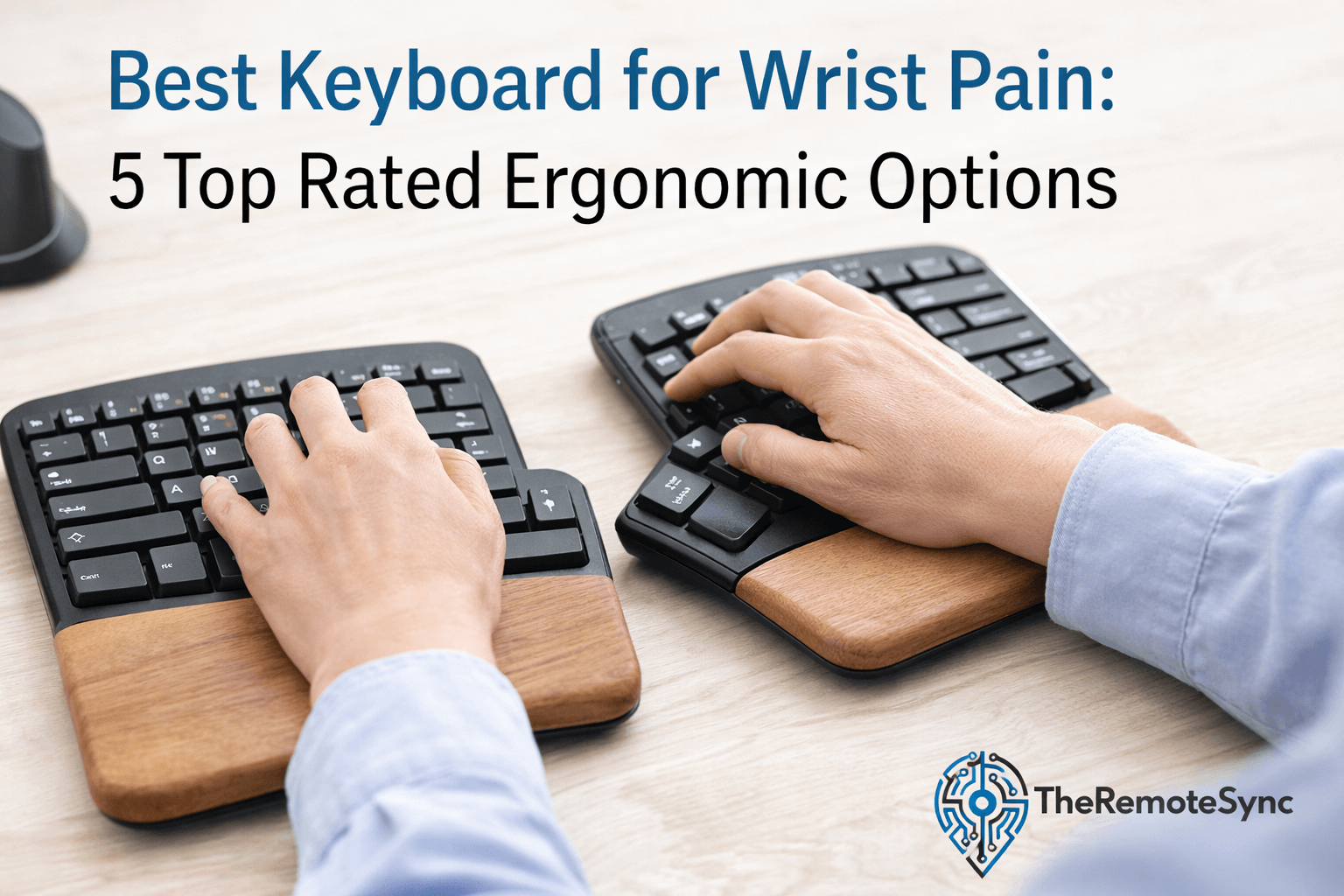
If you spend eight hours a day typing, your wrists are likely paying the price.
For the average remote worker, localized discomfort often starts as a dull ache.
If ignored, it can lead to hand pain, shoulder pain, and even Carpal Tunnel Syndrome (CTS).
A standard computer keyboard forces your hands into an unnatural, flat position. This causes “ulnar deviation” where your wrists bend outward.
Over time, this leads to repetitive strain injury (RSI) prevention becoming a necessity rather than a choice.
In this guide, we break down the best keyboard for wrist pain options to transform your ergonomic desk setup.
Whether you need the best keyboard for small hands or a split ergonomic keyboard for maximum relief, we have tested the top contenders to help you find a neutral wrist position.
Why Your Current Keyboard Causes Wrist Pain
Most people use a traditional staggered keyboard. These are designed for the convenience of the machine, not the human body.
When you type on a flat board, you perform two harmful movements:
- Pronation: Turning your palms face down to meet the flat surface.
- Extension: Bending your wrists upward to reach the keys.
An ergonomic keyboard solves this by using adjustable tenting and a negative tilt keyboard design.
This allows your hands to rest in a “handshake” position, which is the most natural state for your tendons.
1. Logitech ERGO K860 (Best Overall)
The Logitech ERGO K860 is widely considered the best keyboard for remote work because it balances comfort with a familiar layout.
It features a curved, split key-frame that improves typing posture by 25%.
Specifications
- Build: High-quality plastic with a 3-layer cushioned palm rest.
- Connectivity: Bluetooth and Logi Bolt USB receiver.
- Battery: 2 AAA batteries (up to 2 years).
- Price: Moderately priced.
Consumer Analysis
The standout feature for most users is the integrated palm rest. It uses high-density foam and knitted fabric that stays cool.
Reviewers on Amazon love the “slope” because it prevents the wrists from snapping back.
However, some users with very small desks find it too wide due to the non-detachable number pad.
Pros
- Promotes a very natural, neutral wrist position.
- The fabric on the wrist rest is easy to clean and breathable.
- Excellent multi-device switching for power users.
Cons
- No backlighting, making it hard to use in dark rooms.
- Large footprint takes up significant ergonomic desk space.
2. Logitech Wave Keys (Best for Small Hands)
If the K860 feels like a giant on your desk, the Logitech Wave Keys is the best keyboard for small hands wrist pain.
It offers a “wave” design that provides ergonomic support without the intimidating gap of a full split board.
Specifications
- Build: Compact, recycled plastic.
- Connectivity: Bluetooth and Logi Bolt.
- Battery: 3-year life on AAA batteries.
- Price: Budget-friendly.
Consumer Analysis
This is perfect for a remote worker transitioning from a laptop.
Customers highlight how easy it is to start using immediately without “learning” a new layout.
The keys are membrane-based, which makes them very quiet for Zoom calls.
Pros
- Compact size is great for smaller workspaces.
- Very quiet typing experience.
- The most affordable “name brand” ergonomic option.
Cons
- Membrane switches feel “mushy” to some mechanical fans.
- The fixed wrist rest cannot be removed.
3. Kinesis Freestyle2 (Best for Customization)
The Kinesis Freestyle2 is the ultimate split ergonomic keyboard.
The two halves are connected by a 9-inch or 20-inch cable, allowing you to place them exactly where your shoulders feel best.
Specifications
- Build: Industrial-grade plastic.
- Connectivity: Wired (USB).
- Switch Type: Low-force tactile membrane.
- Price: Moderately priced.
Consumer Analysis
Experts love this board for repetitive strain injury (RSI) prevention. By separating the halves, you can keep your chest open and shoulders relaxed.
Many reviewers suggest buying the “VIP3” accessory kit to add adjustable tenting, which tilts the keyboard upward.
Pros
- Completely eliminates ulnar deviation.
- Thin profile allows for a negative tilt keyboard setup.
- Specific “hot keys” for common office tasks.
Cons
- Tenting feet and palm rests are often sold separately.
- The wired connection can clutter a minimalist ergonomic desk setup.
4. Keychron Q11 (Best Mechanical Choice)
For the programmer keyboard for wrist health seekers, the Keychron Q11 is a beast.
It is a full metal, split mechanical keyboard that offers the tactile feel of a high-end gaming board with ergonomic benefits.
Specifications
- Build: CNC Machined Aluminum.
- Connectivity: Wired (Double USB-C).
- Switches: low-profile mechanical switches (Hot-swappable).
- Price: Premium/Expensive.
Consumer Analysis
Users who enjoy a heavy, premium feel will love the Q11. It doesn’t move an inch on your desk.
Since it is “hot-swappable,” you can change the switches to a “linear” style that requires very little force, which is great for hand pain.
Pros
- Incredibly sturdy build quality.
- Highly customizable with VIA software.
- Split design helps with shoulder pain.
Cons
- Very heavy and not portable.
- No built-in tenting, so you have to lay it flat.
5. ProtoArc EK01 Plus (Best Value Backlit)
The ProtoArc EK01 Plus is a surprise hit for those who need the best ergonomic keyboard with lights.
It mimics the high-end split designs but adds a soft white backlight for night work.
Specifications
- Build: Lightweight plastic with a pillowed rest.
- Connectivity: 2.4G Wireless and Bluetooth (3 devices).
- Battery: 2000mAh rechargeable.
- Price: Budget-friendly/Moderate.
Consumer Analysis
Amazon reviews frequently mention the “rebound” of the keys. They are scissor-switch style, similar to a high-end laptop.
For a remote worker on a budget, this provides the best mix of features like backlighting and a rechargeable battery.
Pros
- Backlit keys for working in low light.
- Rechargeable via USB-C (no more AA batteries).
- Includes a built-in numeric keypad.
Cons
- Wrist rest is not as “plush” as the Logitech ERGO.
- Plastic build feels slightly less premium than competitors.
Is a Split Keyboard Worth It?
If you are wondering is a split keyboard worth it, the answer depends on your level of pain.
A split design is the only way to truly fix shoulder pain because it stops you from “scrunching” your chest.
When you use a split ergonomic keyboard, you can place a computer mouse or even the best ergonomic mouse in between the two halves.
This reduces the distance your hand travels, further preventing repetitive strain injury (RSI).
How to Reduce Wrist Pain From Keyboard Use
Buying the best keyboard for wrist pain is only half the battle. To truly optimize your remote lifestyle, follow these tips:
- Check your chair height: Your elbows should be at a 90-degree angle.
- Use a negative tilt: Most people tilt their keyboards up at the back. This is wrong. Use a negative tilt keyboard where the front is higher than the back to keep wrists straight.
- Do keyboard wrist rests actually help? Yes, but only when you are resting. While typing, try to “hover” your hands. Use the cushioned palm rest for breaks between sentences.
- Stretch often: Simple “prayer stretches” can help blood flow and reduce hand pain.
Conclusion
Choosing the best keyboard for wrist pain is a personal journey.
If you want a “plug and play” solution, the Logitech ERGO K860 is our top pick. If you are on a budget, the Logitech Wave Keys or ProtoArc EK01 Plus offer incredible value.
For the serious remote worker suffering from Carpal Tunnel Syndrome (CTS), the Kinesis Freestyle2 provides the most customizability to find that perfect neutral wrist position.
Don’t let wrist pain slow down your career. Check out our guide on the best mouse for remote work and how to build the perfect ergonomic desk setup!